
Home / The app / Admin and settings
The app: admin and settings
Admin and settings
Connect your site and your other tools, set up the emails the app sends, choose a plan and automate the routine steps.
- One line of codePut tracking on any website.
- Webhooks and APISend events to the tools you already use.
- AutomationsWhen this happens, do that.
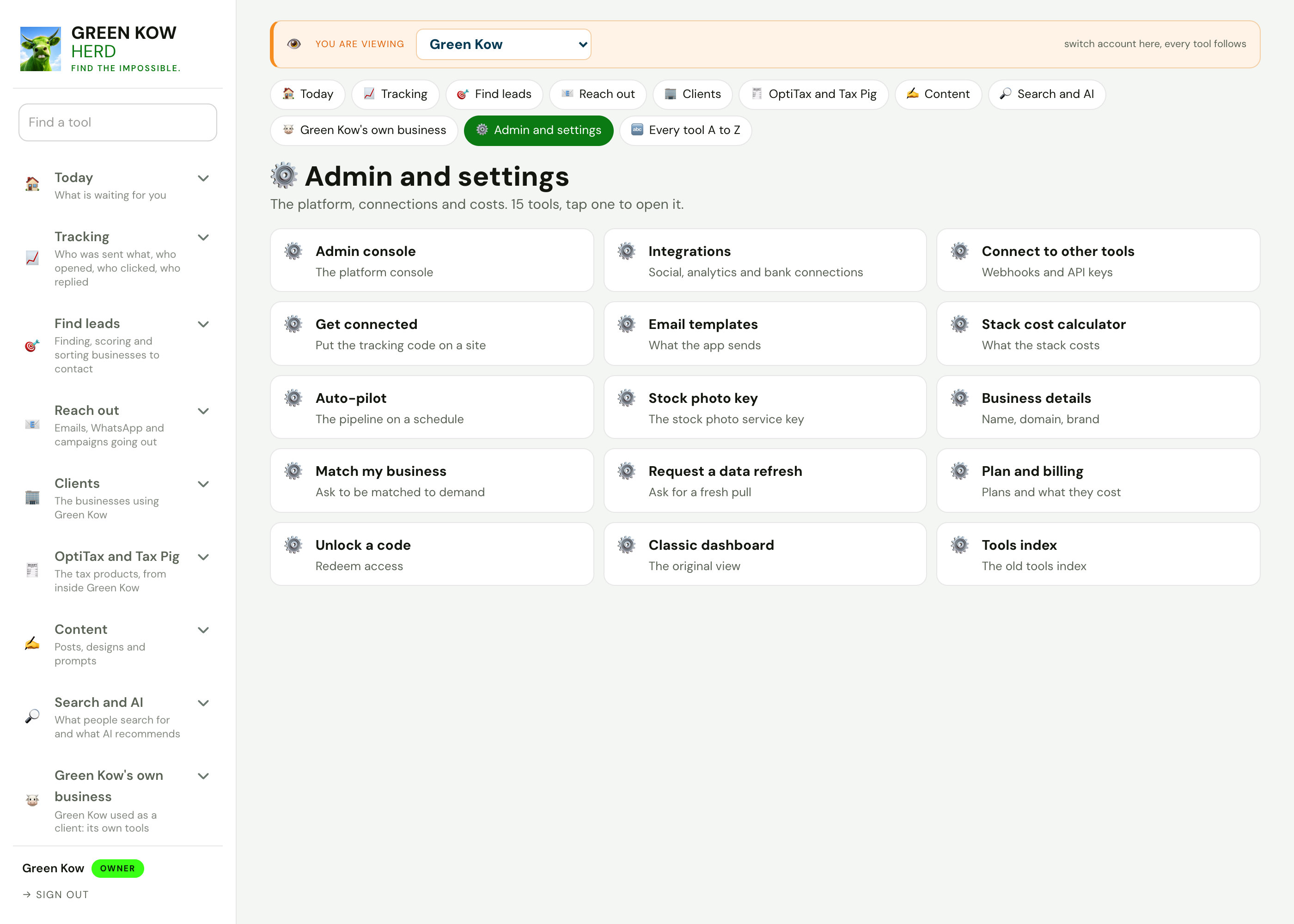
Settings, screen by screen
Each screen with what it shows, why it matters and what you do on it.
 Full size
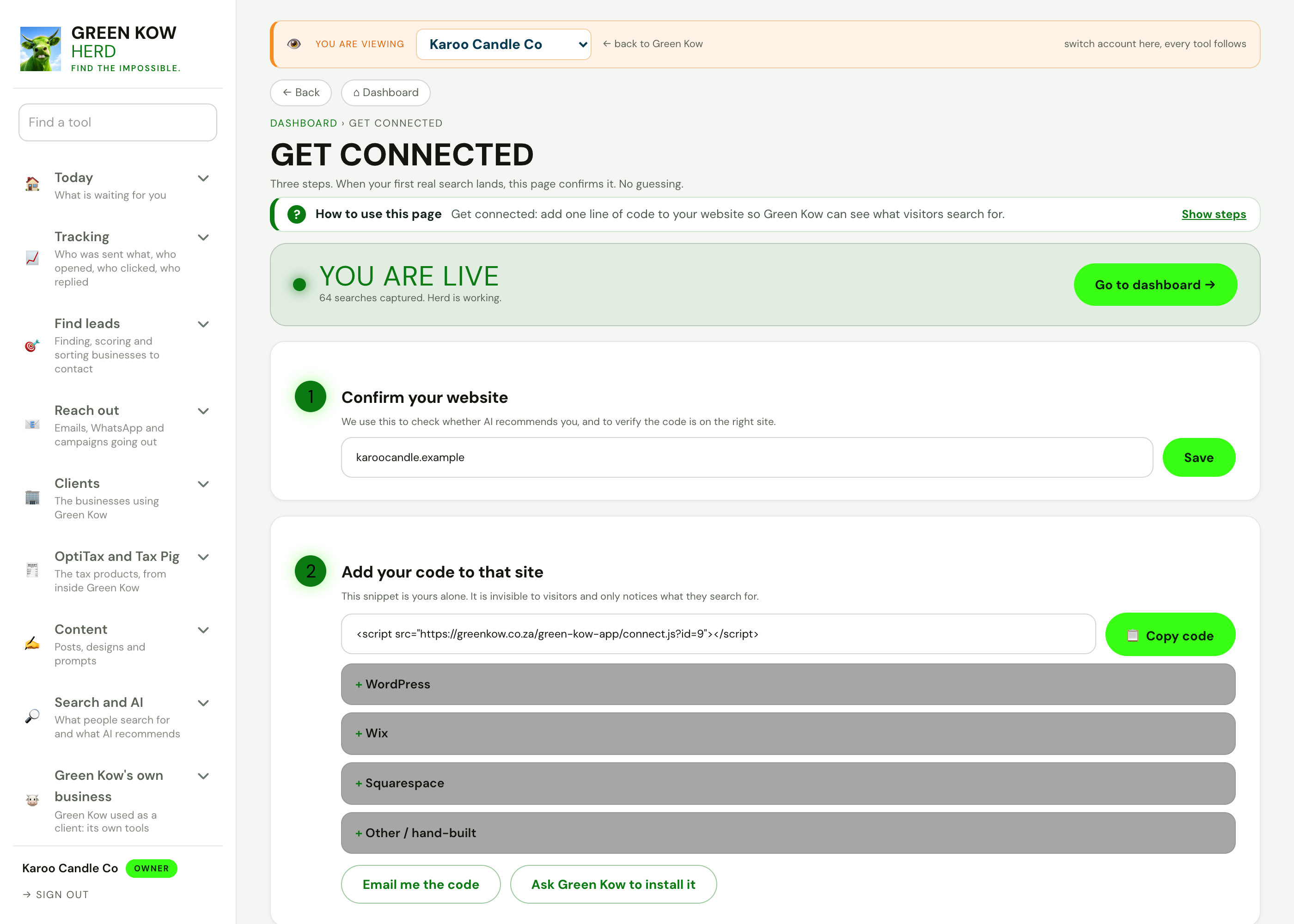
01Get connected
- What you see
- Three steps: confirm your website, add one line of code, and see when the first search arrives.
- Why it helps
- Searches on your site are only captured once the code is on it.
- What you do
- Copy the code, or pick your website builder for the steps.
 Full size
02Integrations
- What you see
- Social, analytics and bank connections with their health, and a log of recent callbacks.
- Why it helps
- You know a connection is working because it says so, not because it should be.
- What you do
- Check every connection now, or connect a new one.
 Full size
03Webhooks and API keys
- What you see
- Webhooks for new contacts, enquiries, bookings and paid invoices, and API keys with how to use them.
- Why it helps
- Green Kow works with your other tools instead of replacing all of them.
- What you do
- Add a webhook address, tick the events and create a key.
 Full size
04Email templates
- What you see
- Saved email templates and a form to send one to a business.
- Why it helps
- The emails the app sends sound like you and stay consistent.
- What you do
- Write a template once and reuse it.
 Full size
05Plans
- What you see
- The plans side by side, from the free Moo Start to Seen, with what each includes.
- Why it helps
- You can start free and move up only when the tools pay for themselves.
- What you do
- Compare the plans and switch when you are ready.
 Full size
06Automations
- What you see
- Ready-made recipes and a builder: when a lead is captured, a review is clicked or an invoice is paid, do something.
- Why it helps
- Routine follow-ups happen on time without you remembering them.
- What you do
- Pick a recipe or build one, then switch it on.
Screens show made-up sample data (a demo business, Karoo Candle Co). No real client is shown. Tap any screen to open it full size.
Other parts of the app
Every area, one page each. See the full app tour →

Owner homeEvery job behind ten doors, with today first.
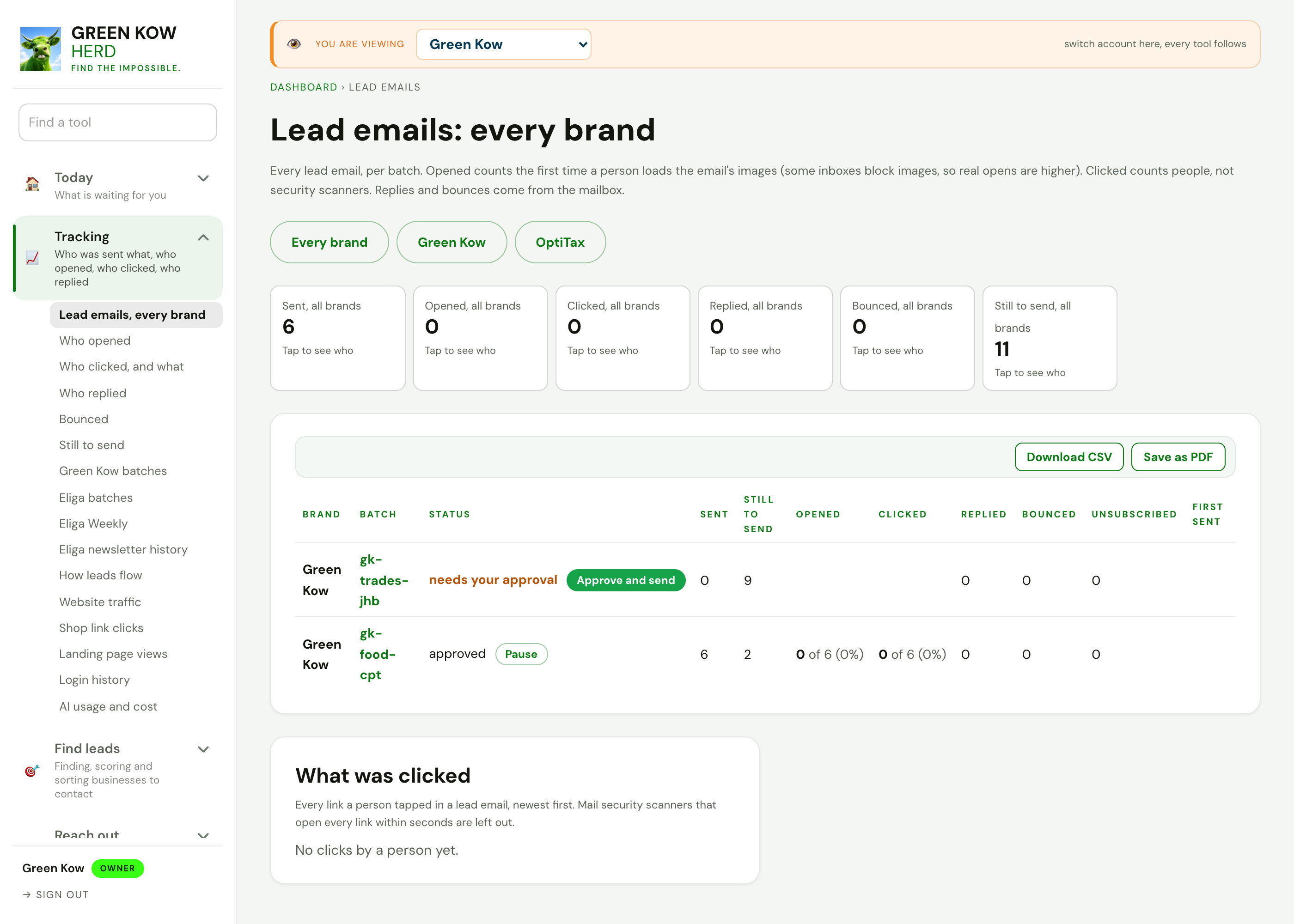
TrackingWho was sent what, who opened, clicked and replied.

Search and discoveryFind businesses by what they do and where, quiet ones first.
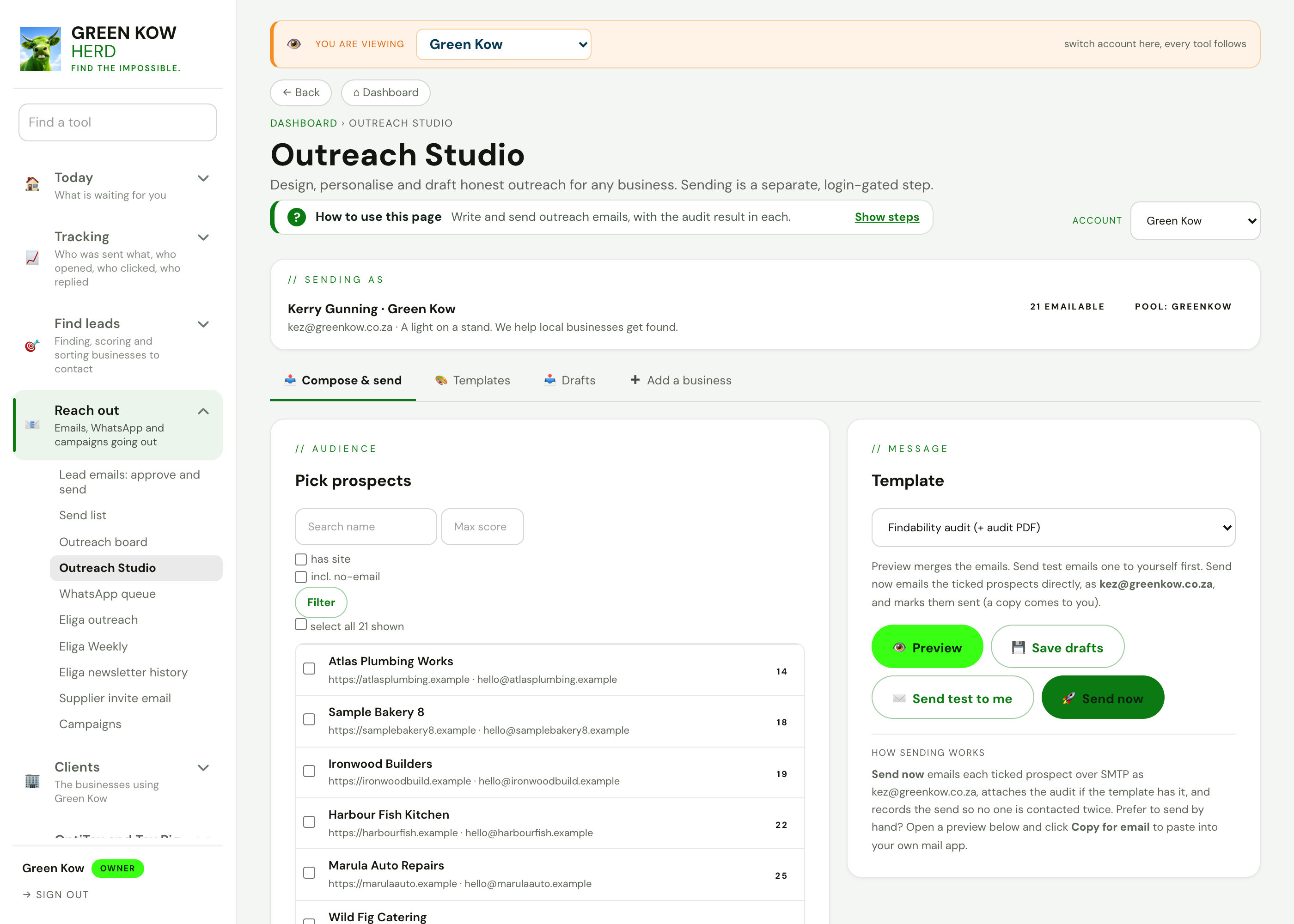
Reach outEmails, WhatsApp and campaigns going out.
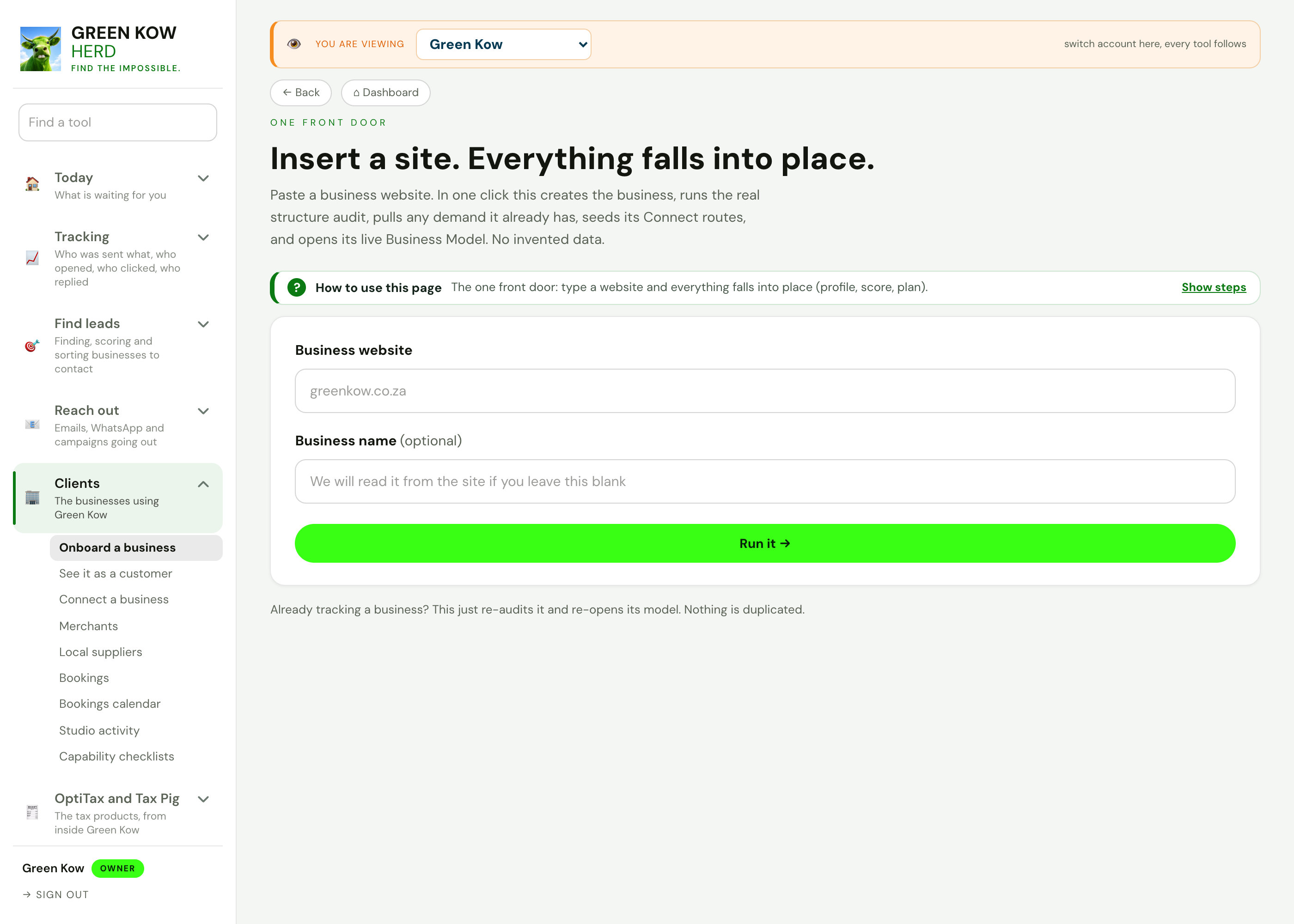
ClientsThe businesses using Green Kow, set up and looked after.
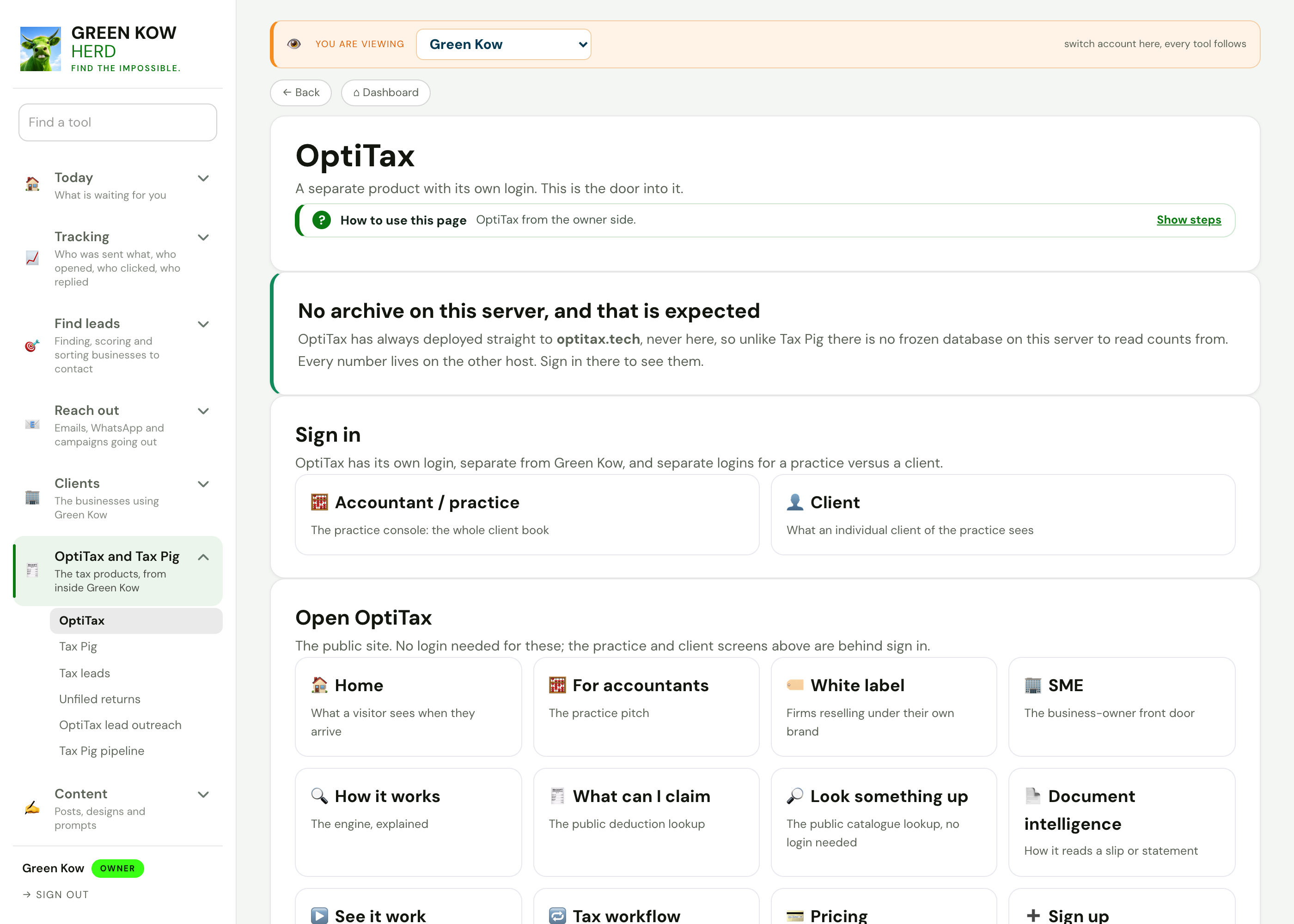
OptiTax and Tax PigThe tax products, from inside Green Kow.

Content hubThe week's posts, day by day, with every writing tool.
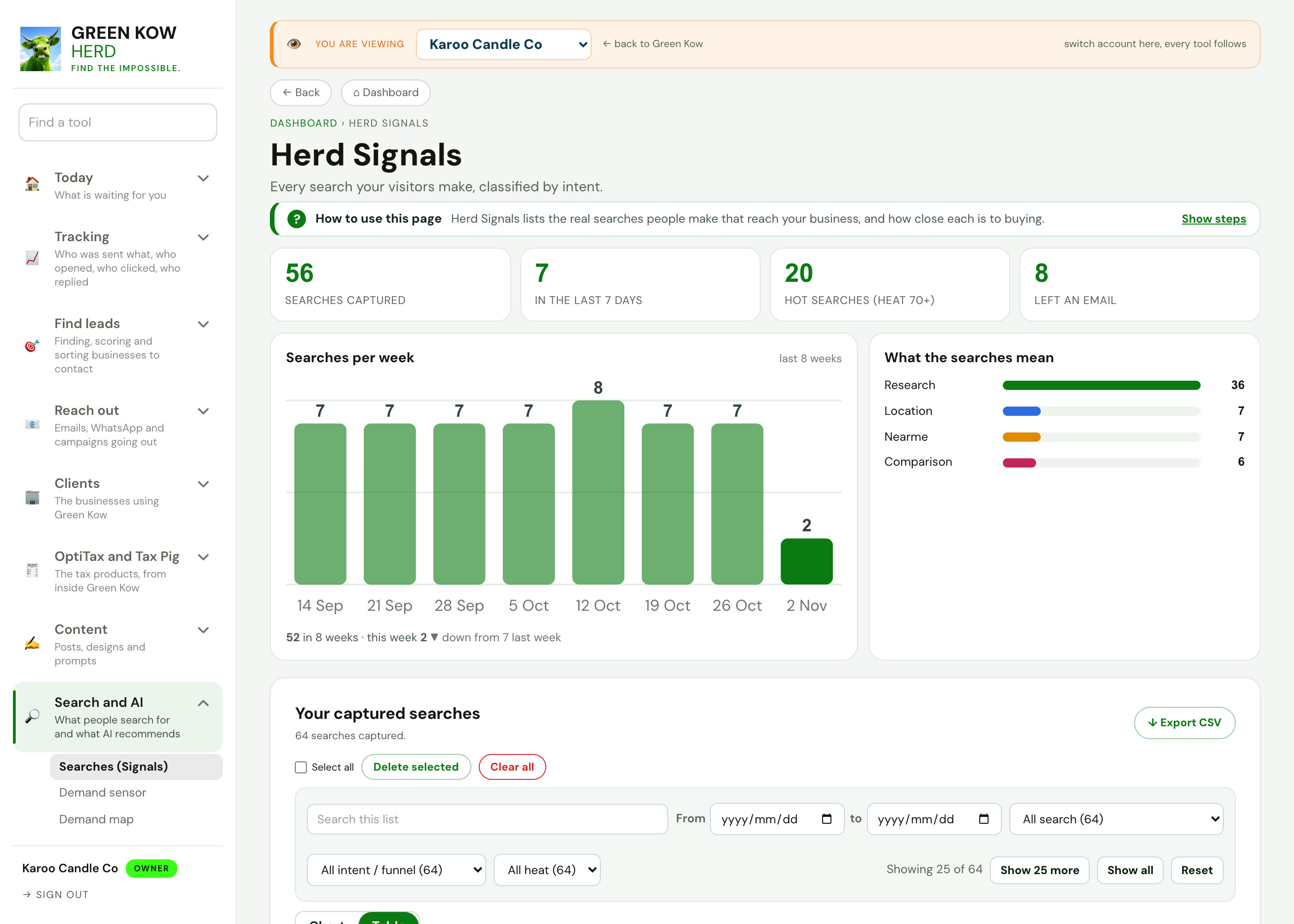
Search and AIWhat people search for and what AI recommends.
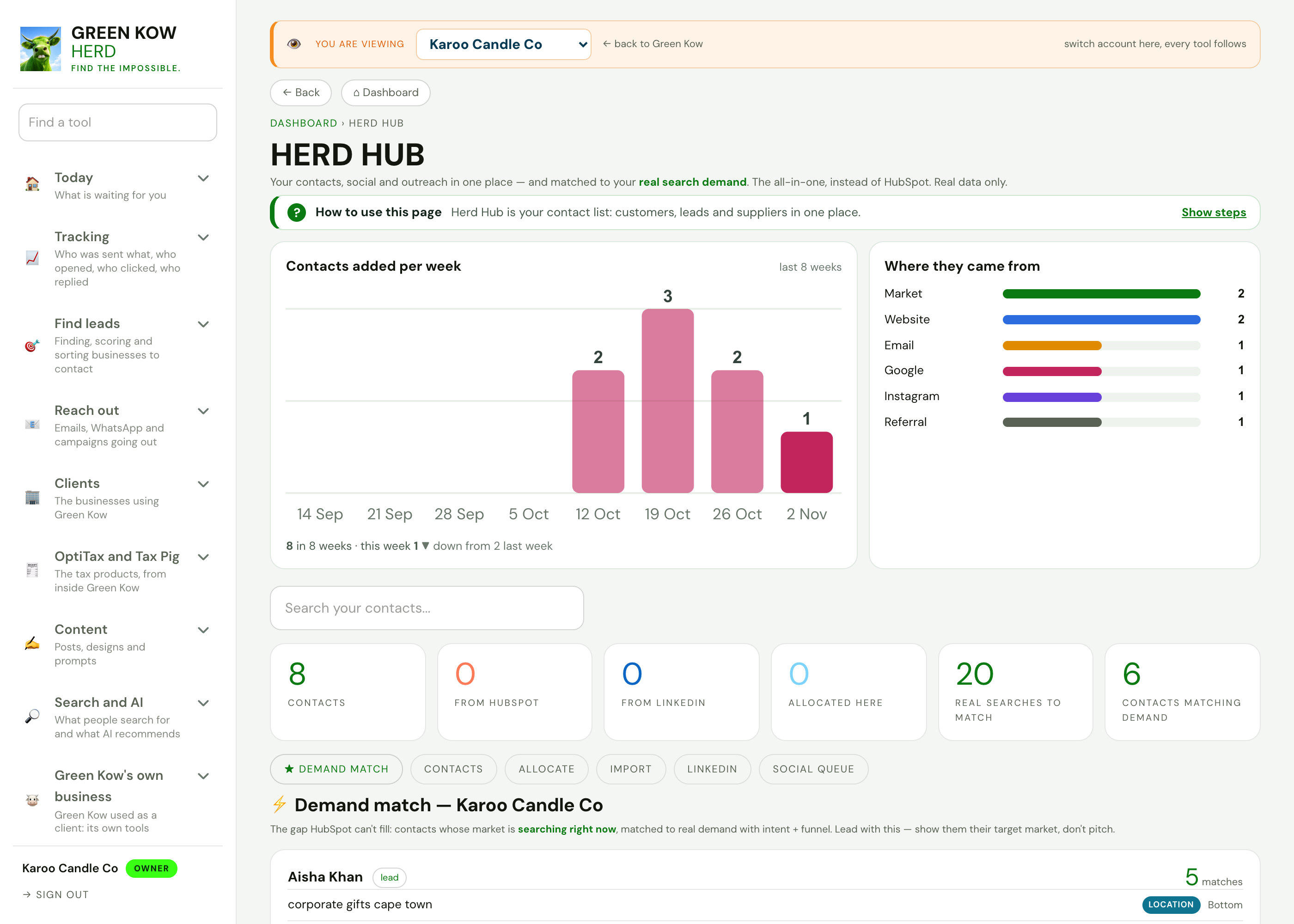
Run your businessContacts, invoices, bookings, reviews and cashflow.
Set it up once.
Start free and connect your site in a few minutes, or ask us on WhatsApp to do it for you.