
Home / The app / Search and discovery
The app: search and discovery
Search and discovery
Find businesses by what they do and where they are, see what each one is missing online, and reach the right person.
- By area and typeCountry, city, sector and presence in one filter row.
- Gaps firstBusinesses with no website or a weak one rise to the top.
- A way inEmail, phone and a ready first message per business.

How discovery works
From a wide search to one business and one message.
 Full size
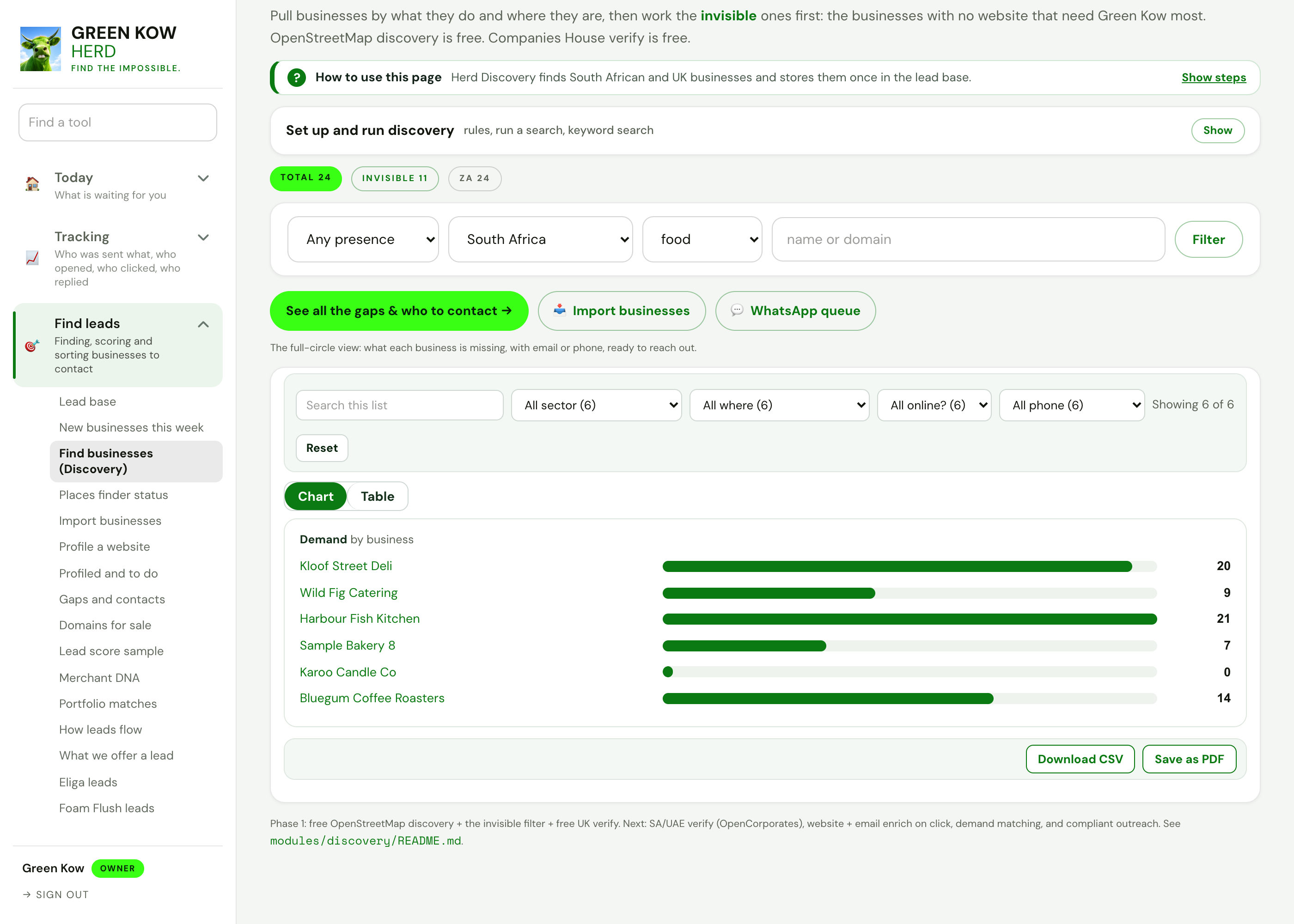
01Filters: narrow the list
- What you see
- Presence, country, sector and a name search, with a demand chart showing how many searches each business could answer.
- Why it helps
- You start with the businesses people are already looking for, not a random list.
- What you do
- Pick an area and a sector, press Filter, and the chart and list follow.
 Full size
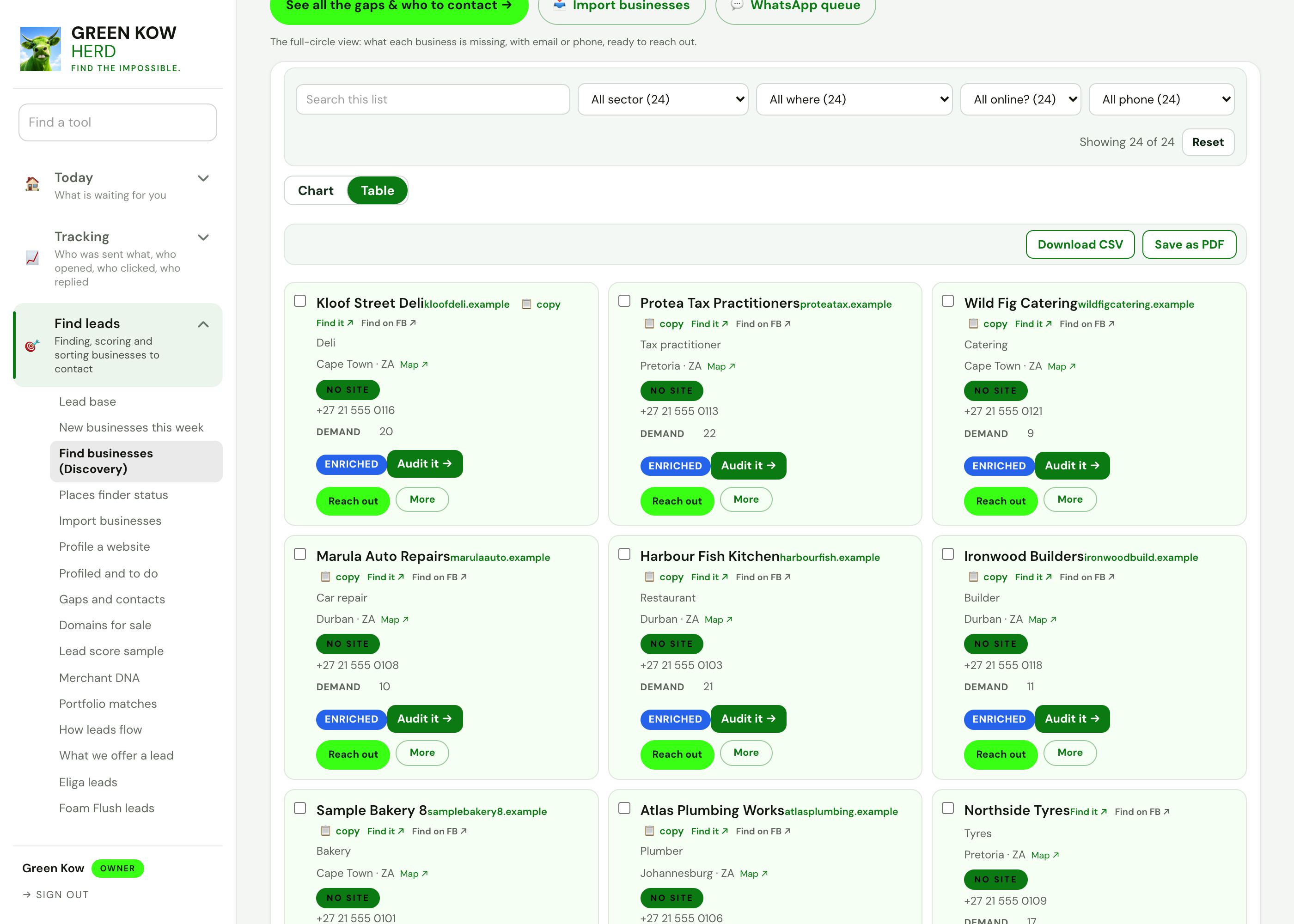
02Results: one card per business
- What you see
- Each business with its area, phone, presence tier, demand count and whether its details have been checked.
- Why it helps
- Everything you need to judge a lead is on the card, so you do not open ten tabs.
- What you do
- Run an audit, open the map, or press Reach out on the ones worth a message.
 Full size
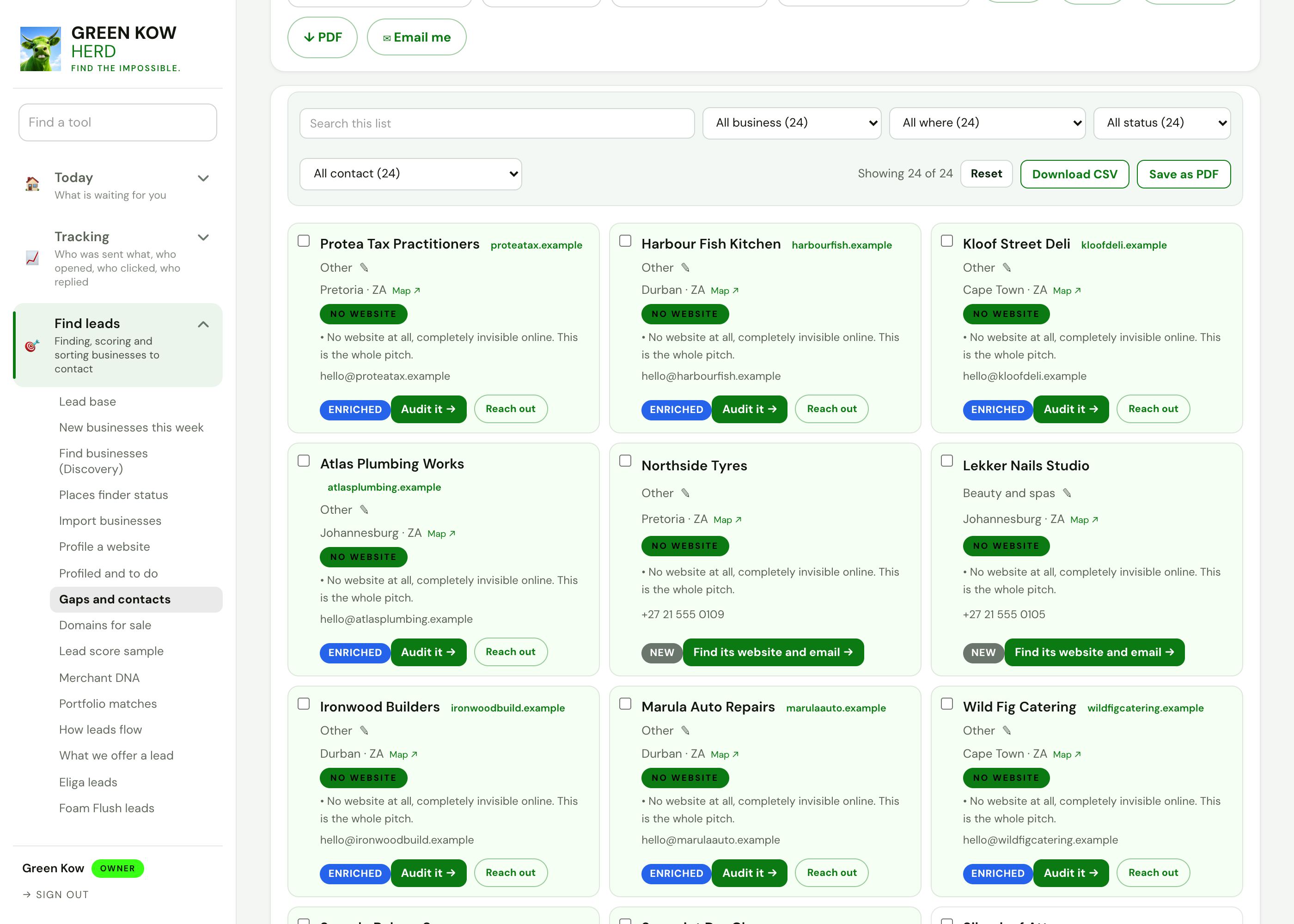
03Gaps and who to contact
- What you see
- Every business sorted by what it is missing, with the contact you can use and the issue to raise.
- Why it helps
- A message about a real gap (no website, not on Google) gets read. A generic pitch does not.
- What you do
- Filter by gap, export contacts or a PDF, or open a business to write to it.
 Full size
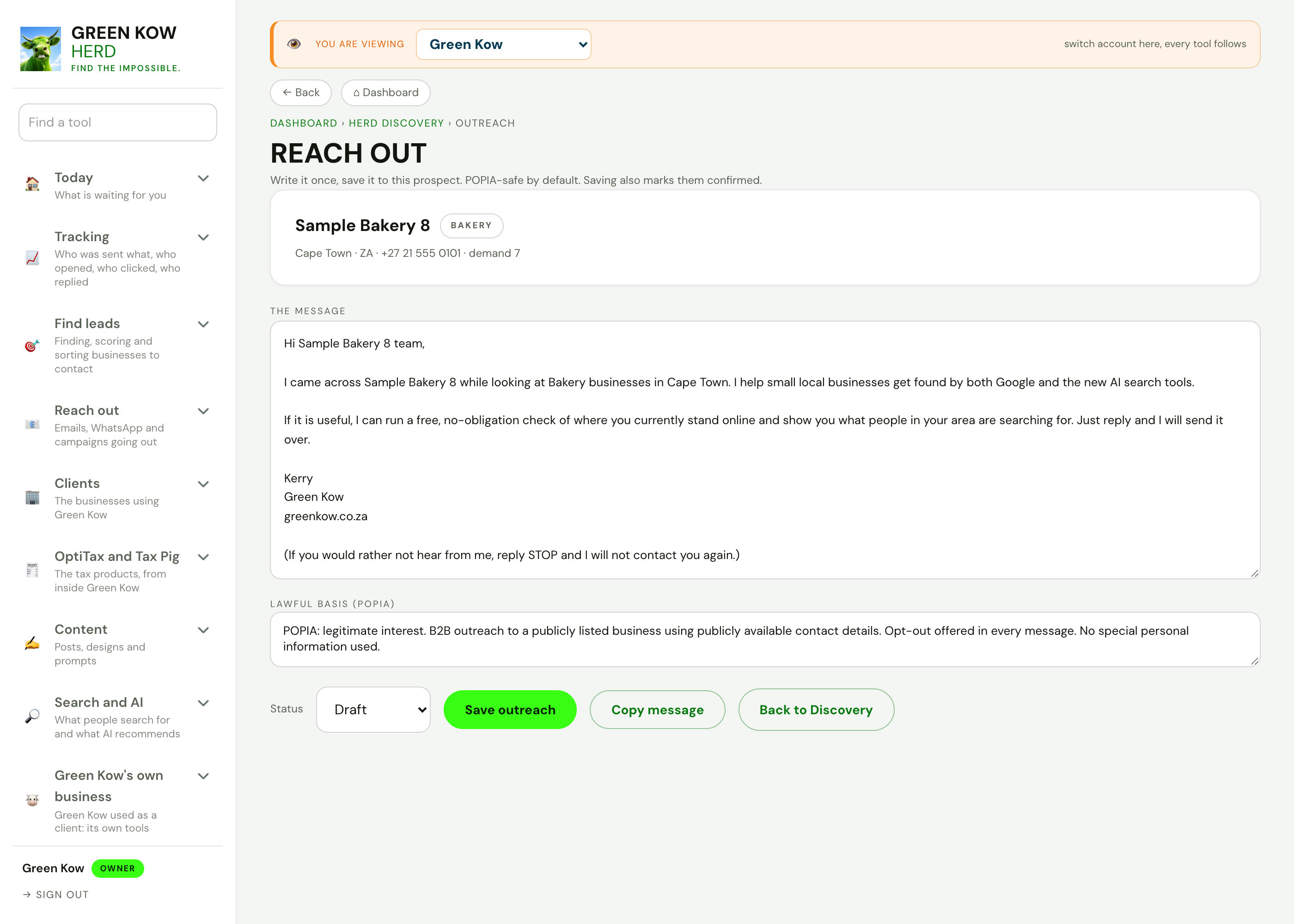
04Reach out: a first message
- What you see
- A short first message for one business, its lawful basis for contact, and an opt-out line already included.
- Why it helps
- You send a polite, specific note in a minute, and it stays on the record against that business.
- What you do
- Edit the message, save it as a draft or copy it, and mark it sent.
 Full size
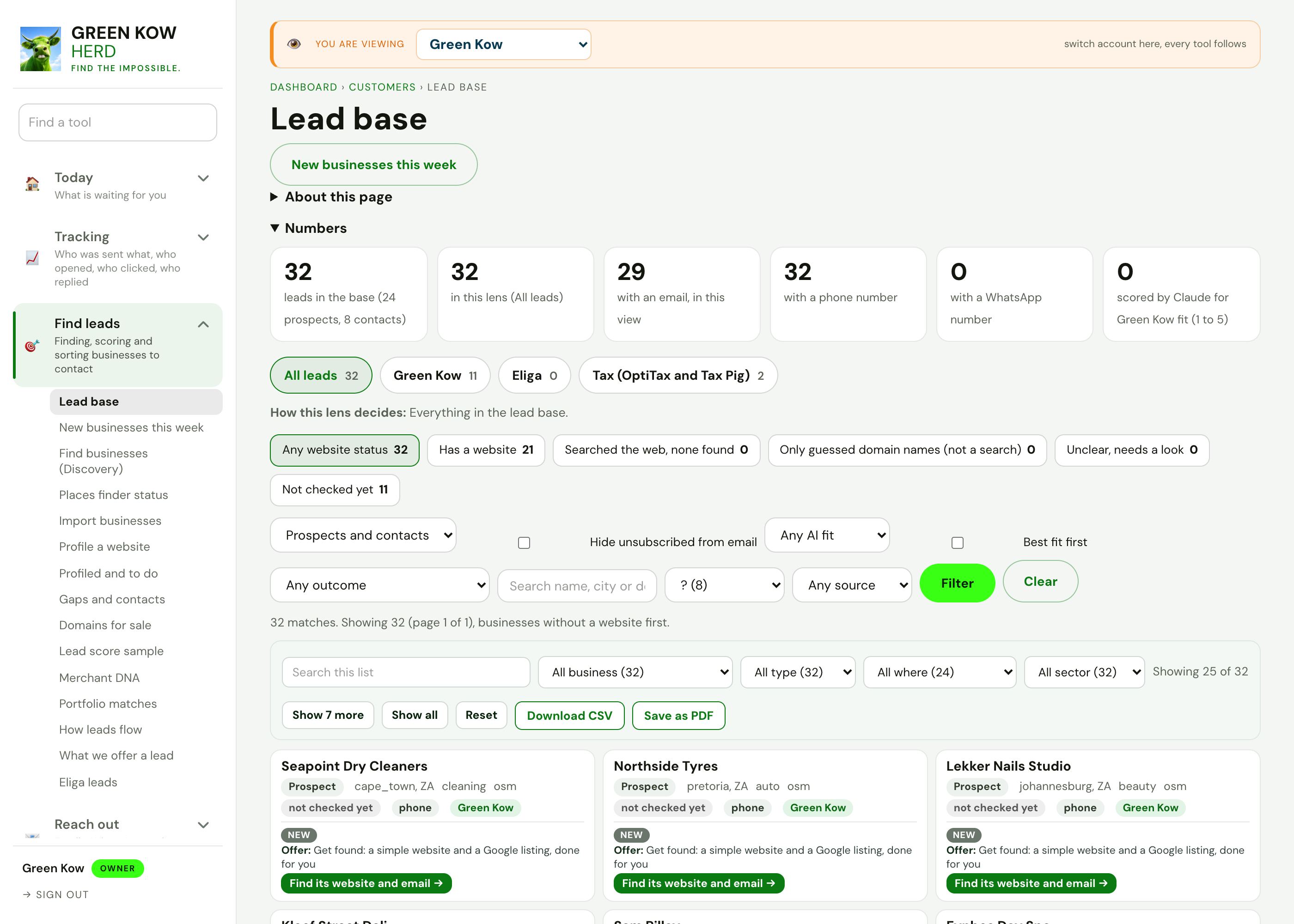
05Lead base: every lead in one list
- What you see
- Every lead with its website status, whether it has an email or phone, the offer that fits it and a one-tap audit.
- Why it helps
- Leads from every source land in one list, so nobody is contacted twice and nobody is missed.
- What you do
- Filter by status or source, then find the website or send the audit.
 Full size
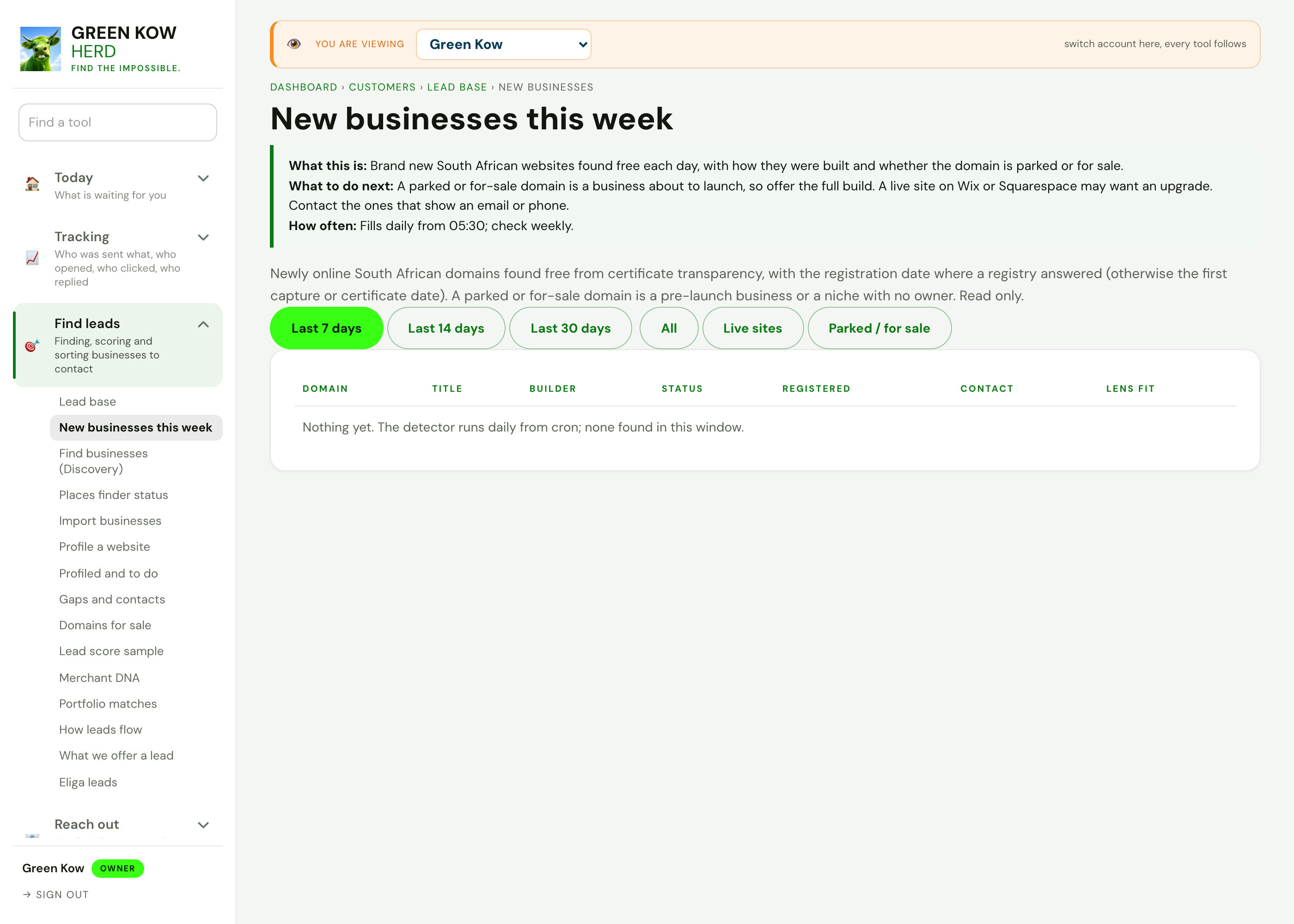
06New businesses this week
- What you see
- South African domains that came online in the last days, with the builder, status and any contact found.
- Why it helps
- A business that just launched a site is often looking for help to get found.
- What you do
- Pick a window (7, 14 or 30 days), skip parked domains and open the ones with a contact.
Screens show made-up sample data (a demo business, Karoo Candle Co). No real client is shown. Tap any screen to open it full size.
Other parts of the app
Every area, one page each. See the full app tour →

Owner homeEvery job behind ten doors, with today first.
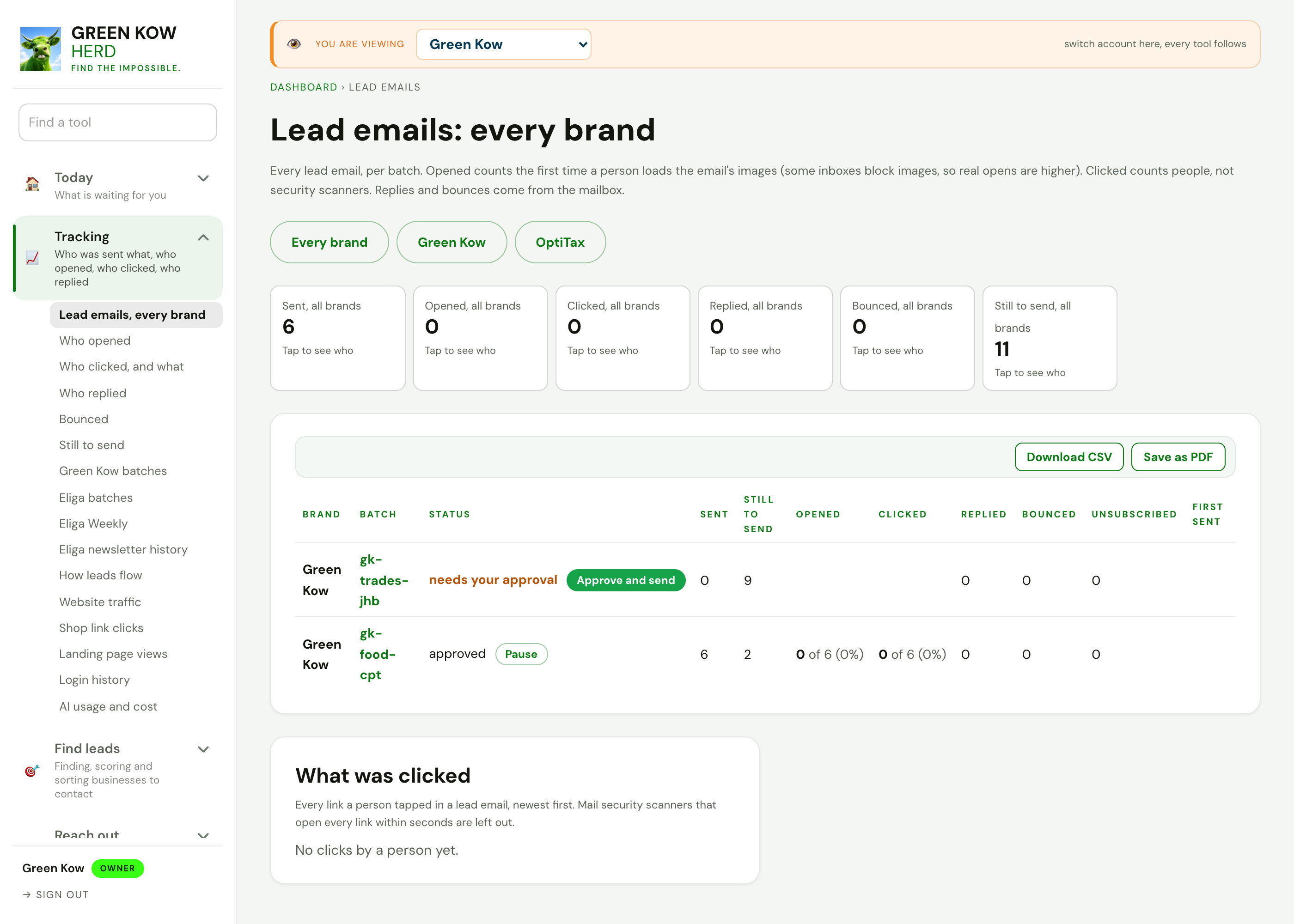
TrackingWho was sent what, who opened, clicked and replied.
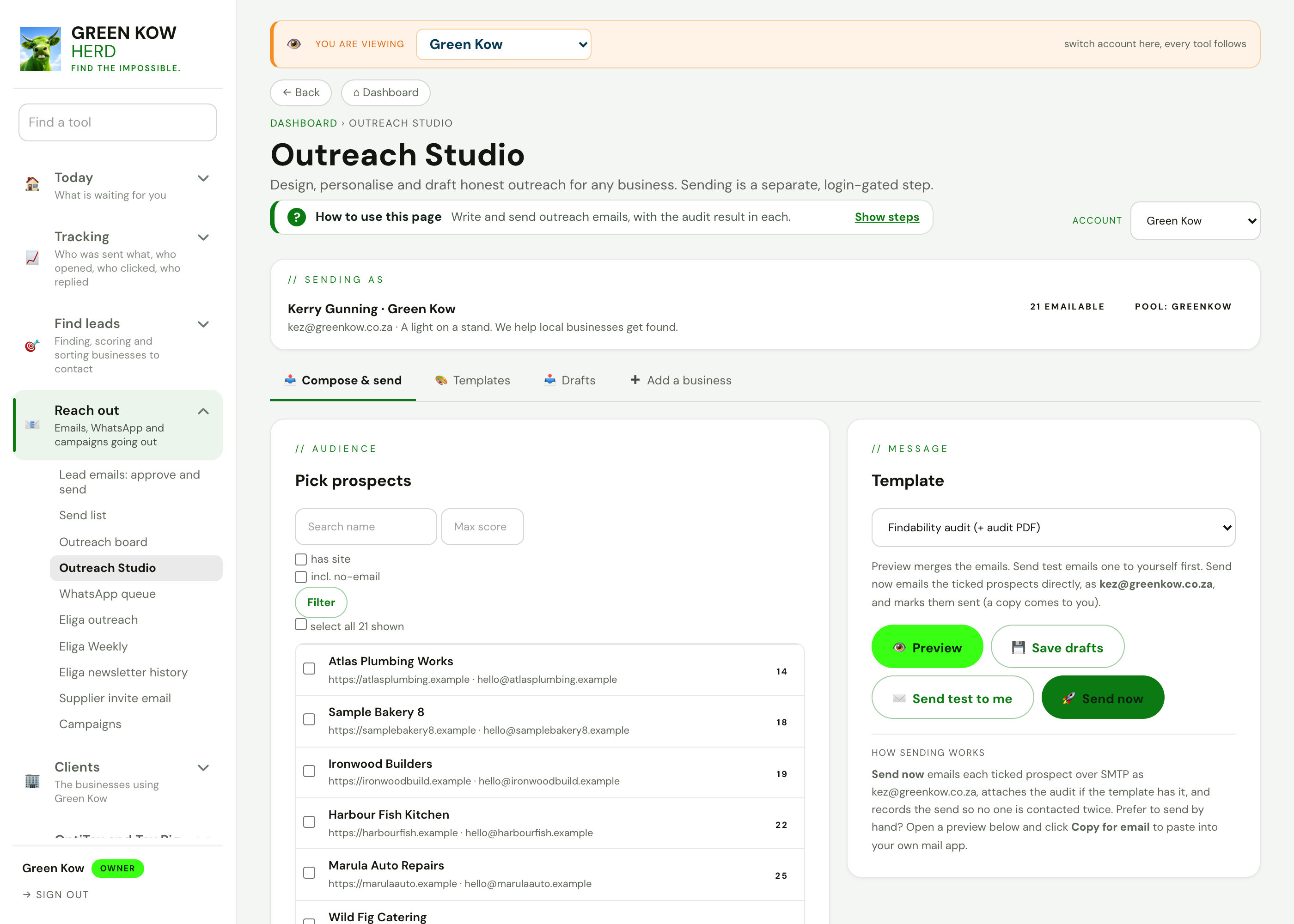
Reach outEmails, WhatsApp and campaigns going out.
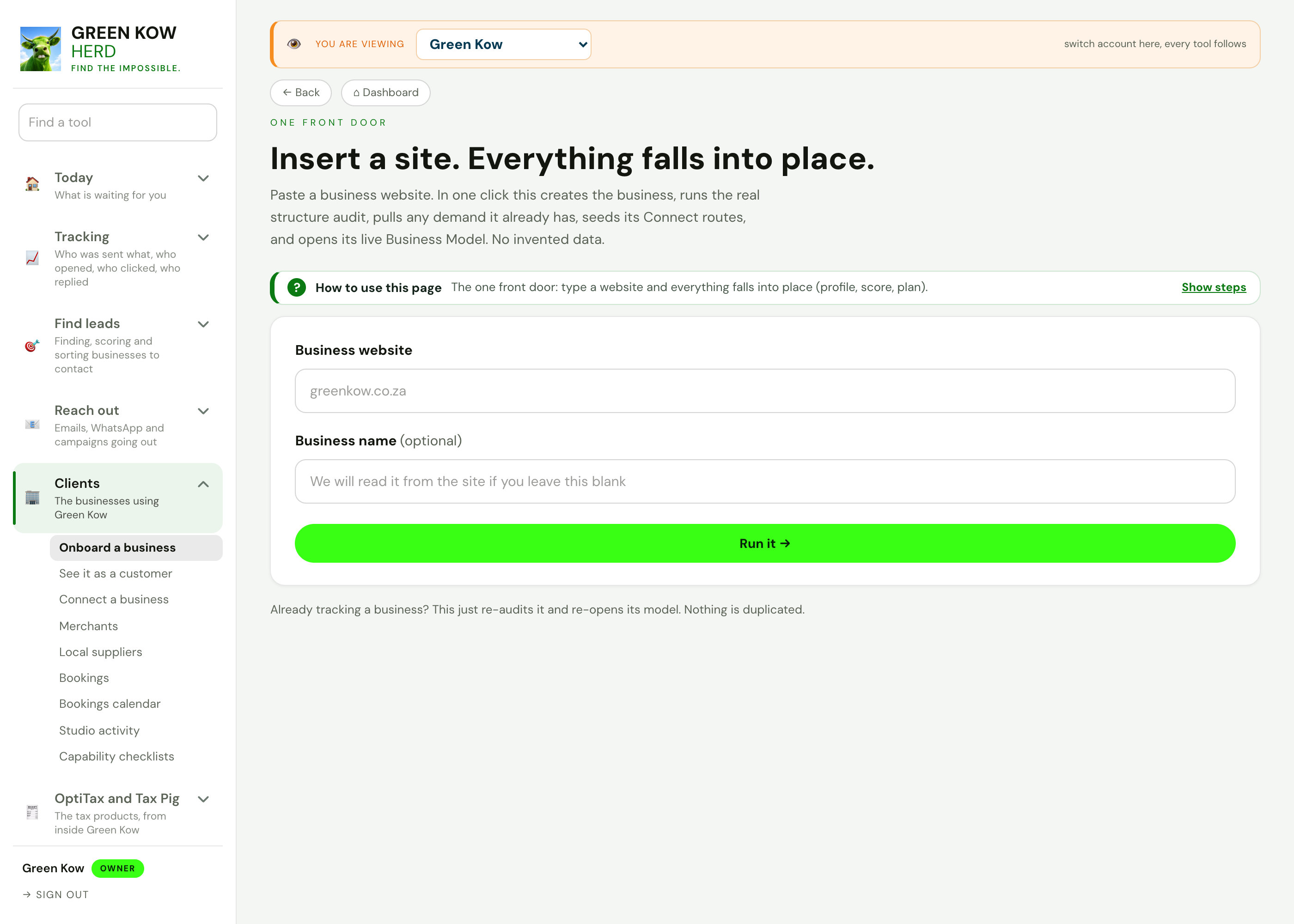
ClientsThe businesses using Green Kow, set up and looked after.
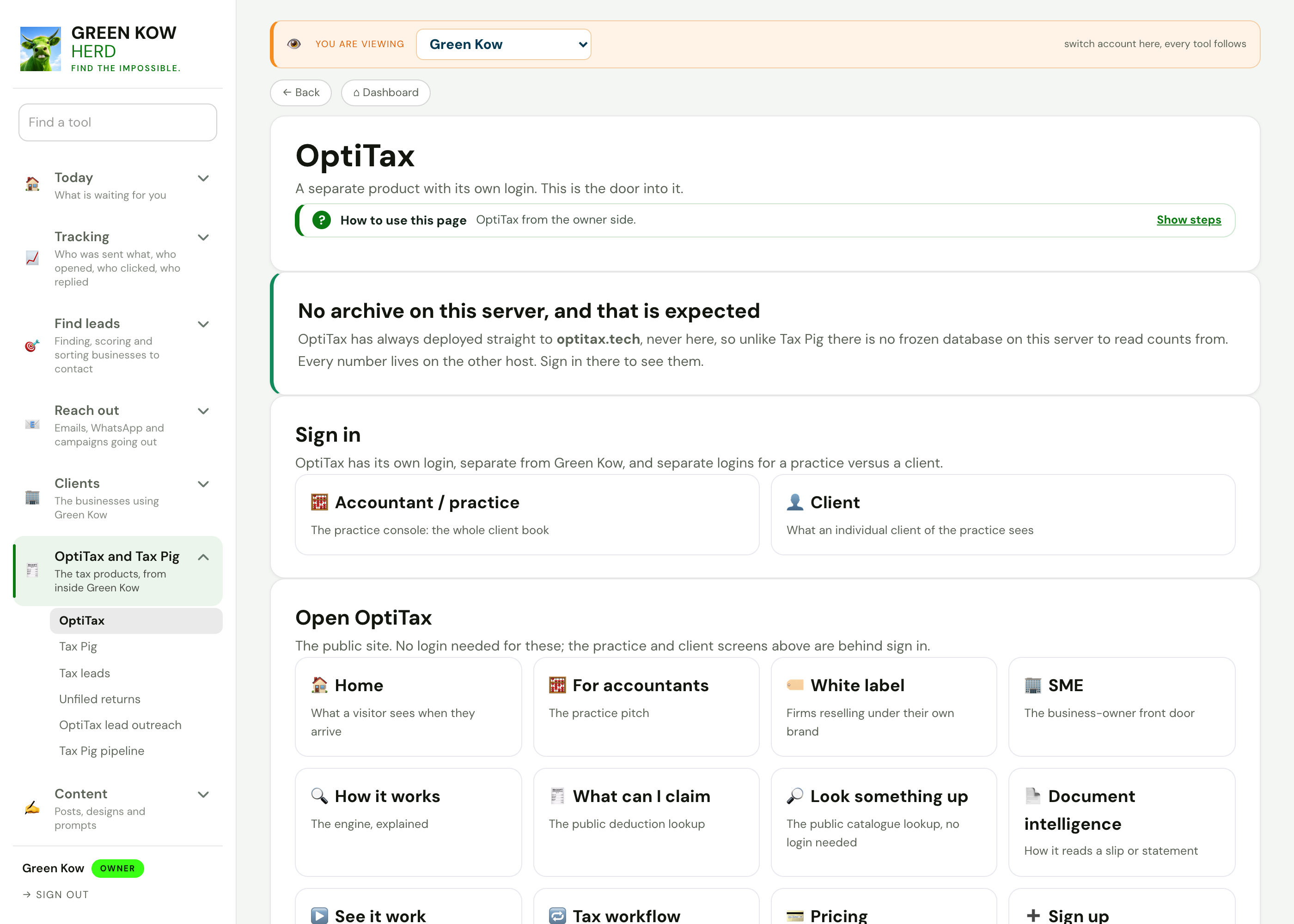
OptiTax and Tax PigThe tax products, from inside Green Kow.

Content hubThe week's posts, day by day, with every writing tool.
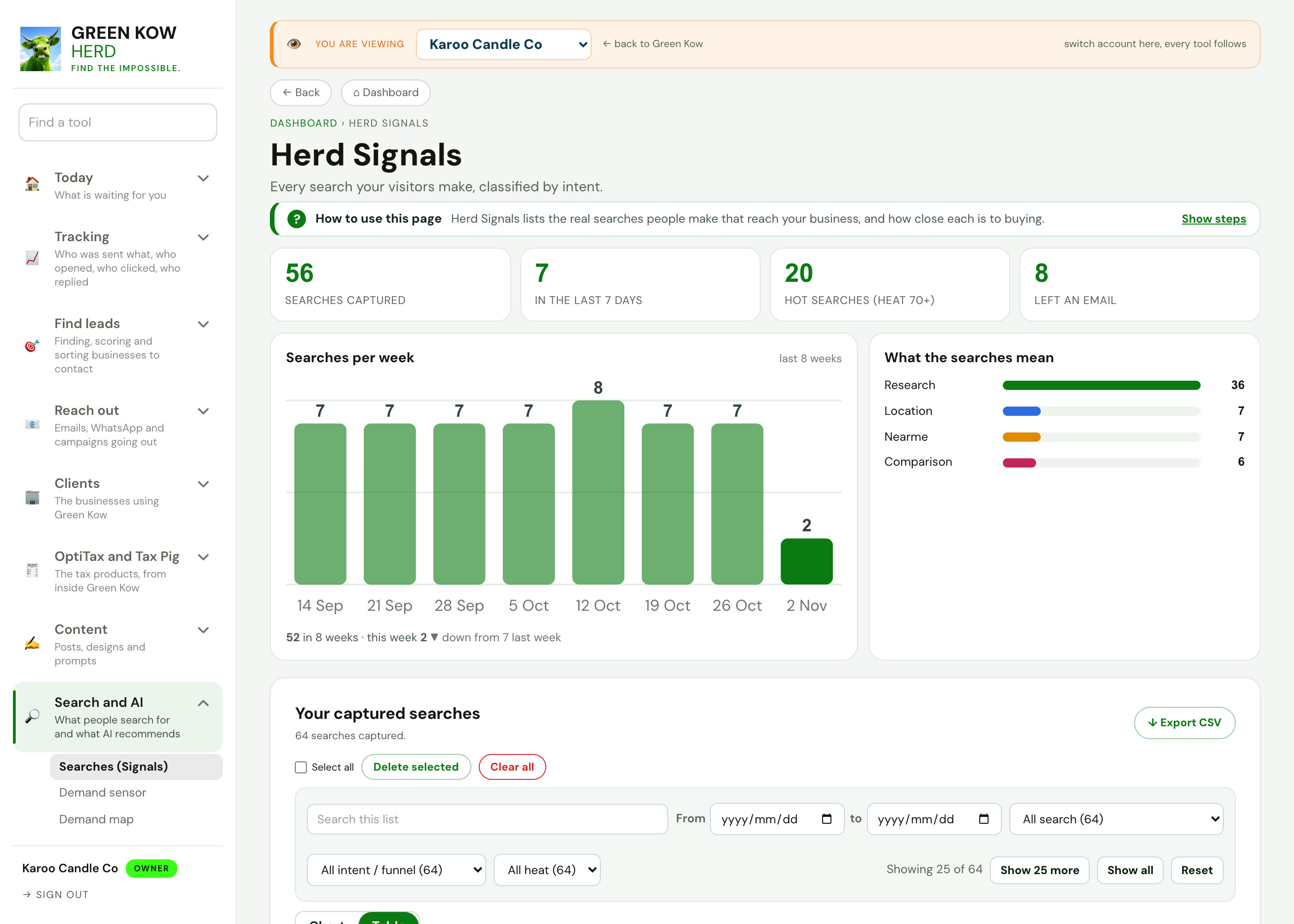
Search and AIWhat people search for and what AI recommends.
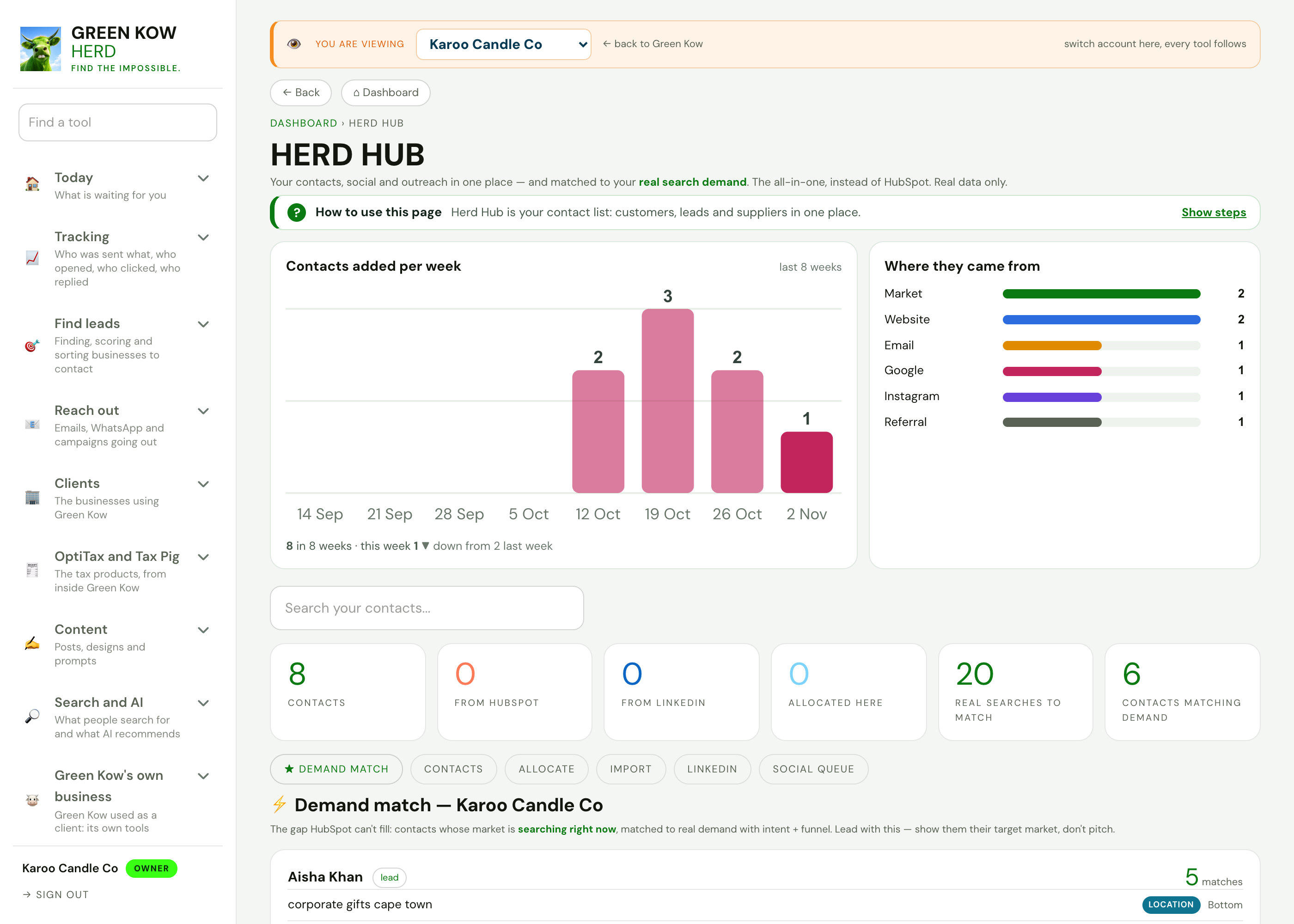
Run your businessContacts, invoices, bookings, reviews and cashflow.
Admin and settingsConnections, emails, plans and automations.
See who is searching near you.
Start free to search your own area, or ask us on WhatsApp to run a search for your sector.