
The app: reach out
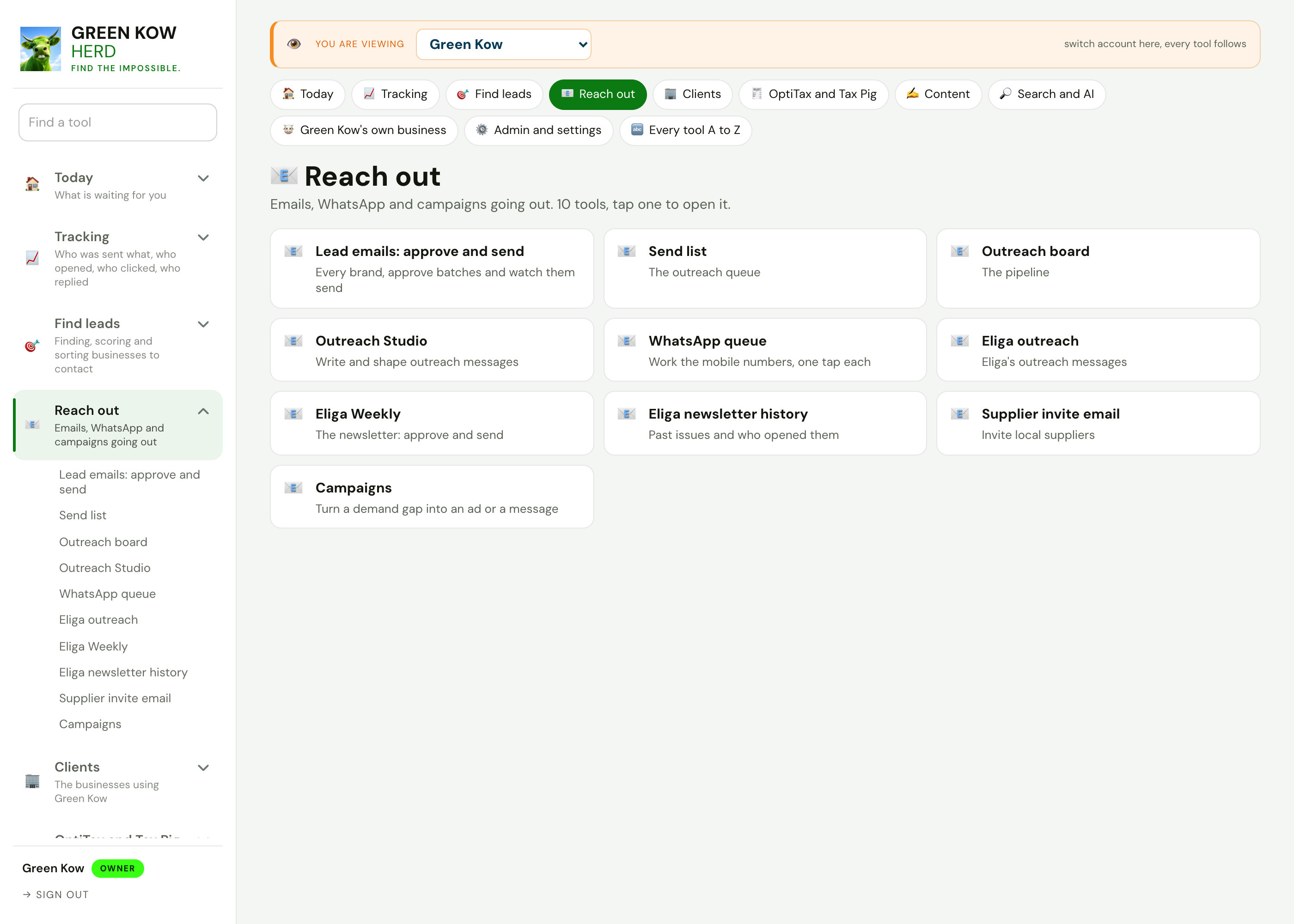
Reach out
Write, approve and send outreach by email or WhatsApp, with every message kept against the business it went to.
- Email and WhatsAppOne queue per channel, one tap per message.
- Approve firstNothing goes out until a batch is approved.
- Opt-out built inEvery first message carries a way to say no.
How reaching out works
Each screen with what it shows, why it matters and what you do on it.
 Full size
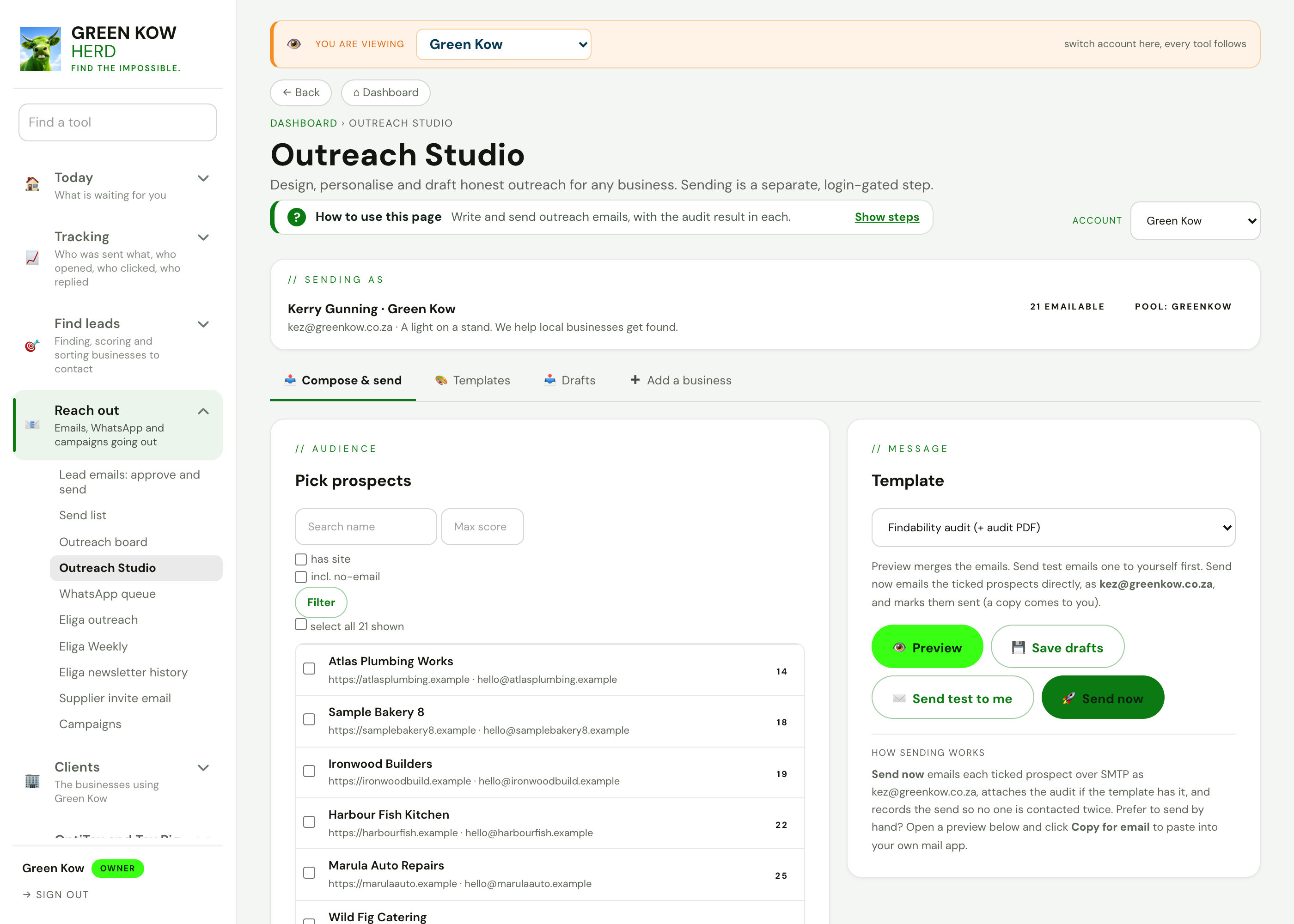
01Outreach studio
- What you see
- Pick prospects on the left, choose a template on the right, preview the message and save drafts.
- Why it helps
- Each message is written for one business, so it reads like a person wrote it, because one did.
- What you do
- Pick the prospects, preview, then send a test to yourself before the real one.
 Full size
02WhatsApp queue
- What you see
- Mobile numbers to message, one at a time, with the message ready and a filter by area and source.
- Why it helps
- Working through a list one tap at a time is faster than copying numbers into your phone.
- What you do
- Open the next number, send, and mark it done.
 Full size
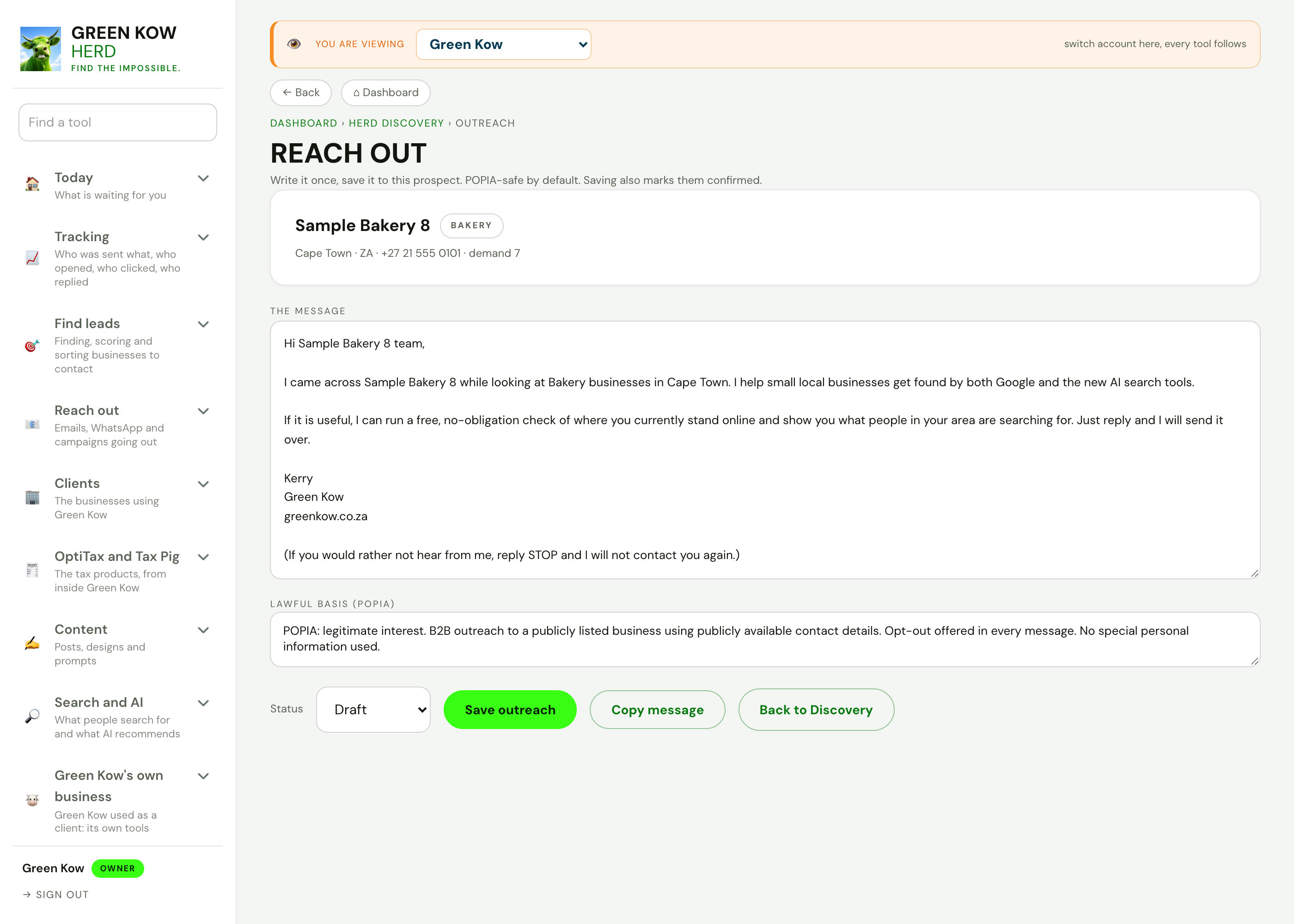
03A first message to one business
- What you see
- The draft first message, its lawful basis and the opt-out line, saved against the business.
- Why it helps
- You have a record of what was sent, to whom and why, if anyone asks.
- What you do
- Edit, save, copy and mark it sent.
 Full size
04Campaigns
- What you see
- Turn a real search with no answer into a ready ad brief or an outreach message to the right contact.
- Why it helps
- Ads and messages start from demand you can see, not from a guess.
- What you do
- Pick a demand gap, then brief an ad or draft the outreach.
Screens show made-up sample data (a demo business, Karoo Candle Co). No real client is shown. Tap any screen to open it full size.
Other parts of the app
Every area, one page each. See the full app tour →

Owner homeEvery job behind ten doors, with today first.
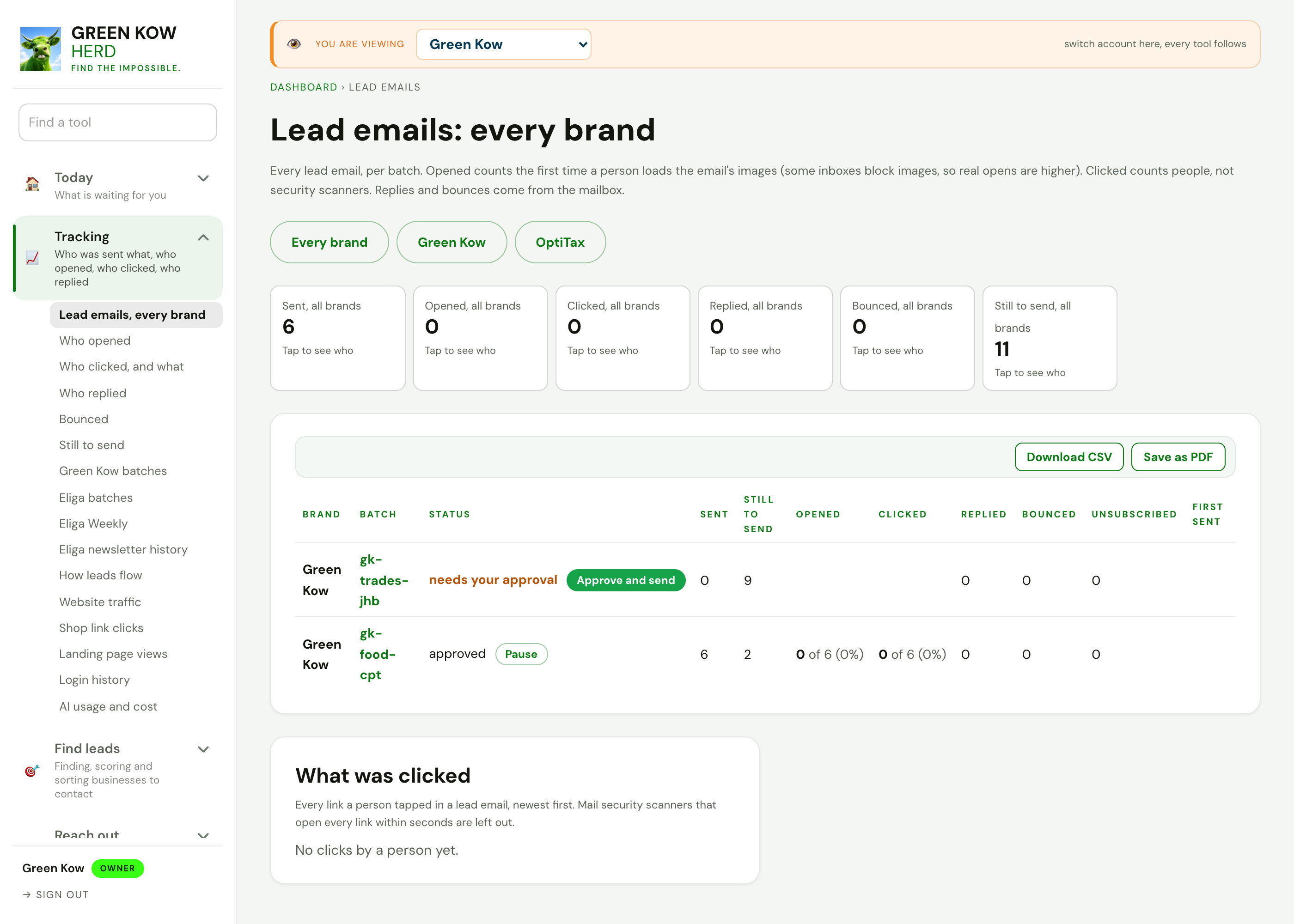
TrackingWho was sent what, who opened, clicked and replied.

Search and discoveryFind businesses by what they do and where, quiet ones first.
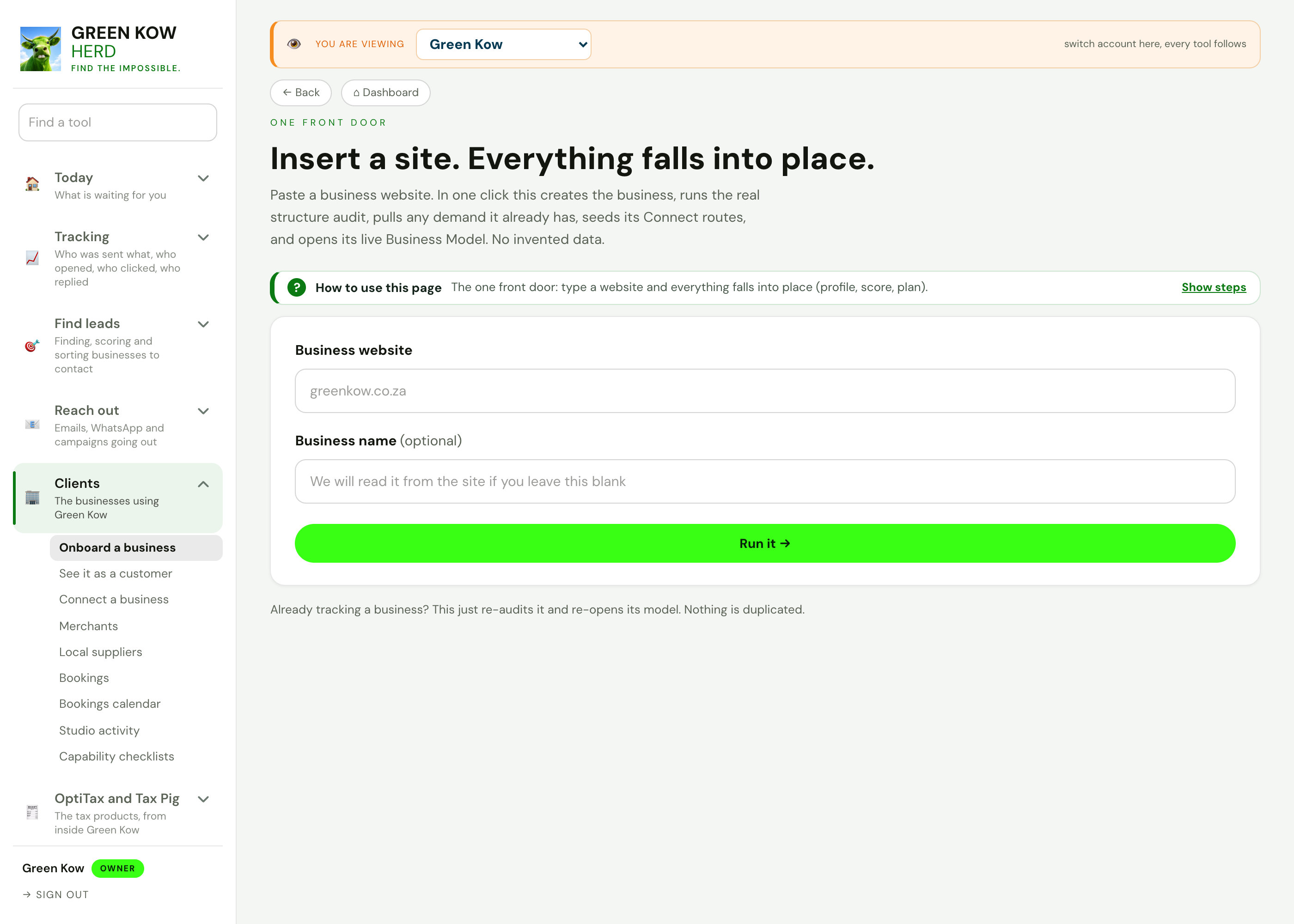
ClientsThe businesses using Green Kow, set up and looked after.
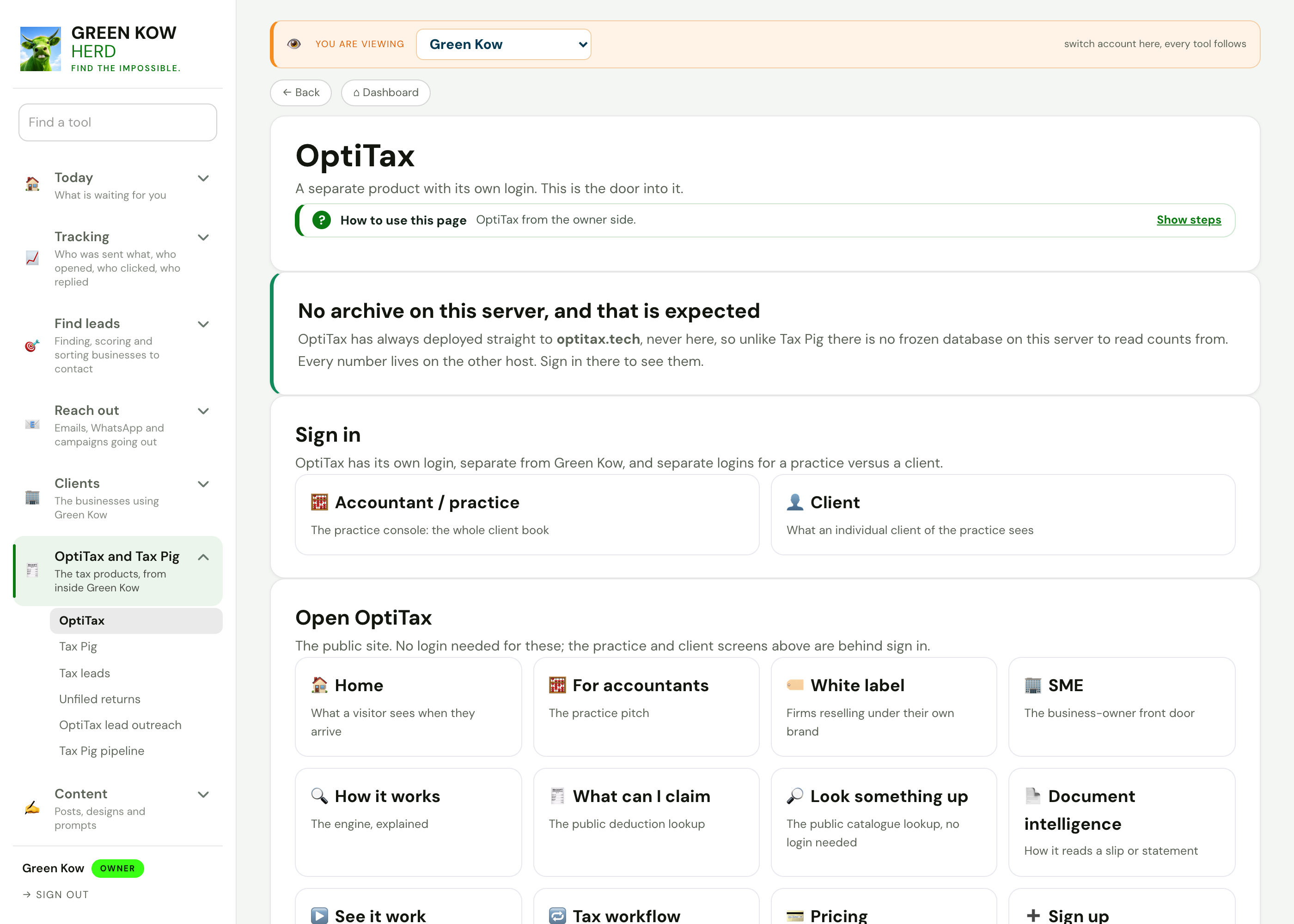
OptiTax and Tax PigThe tax products, from inside Green Kow.

Content hubThe week's posts, day by day, with every writing tool.
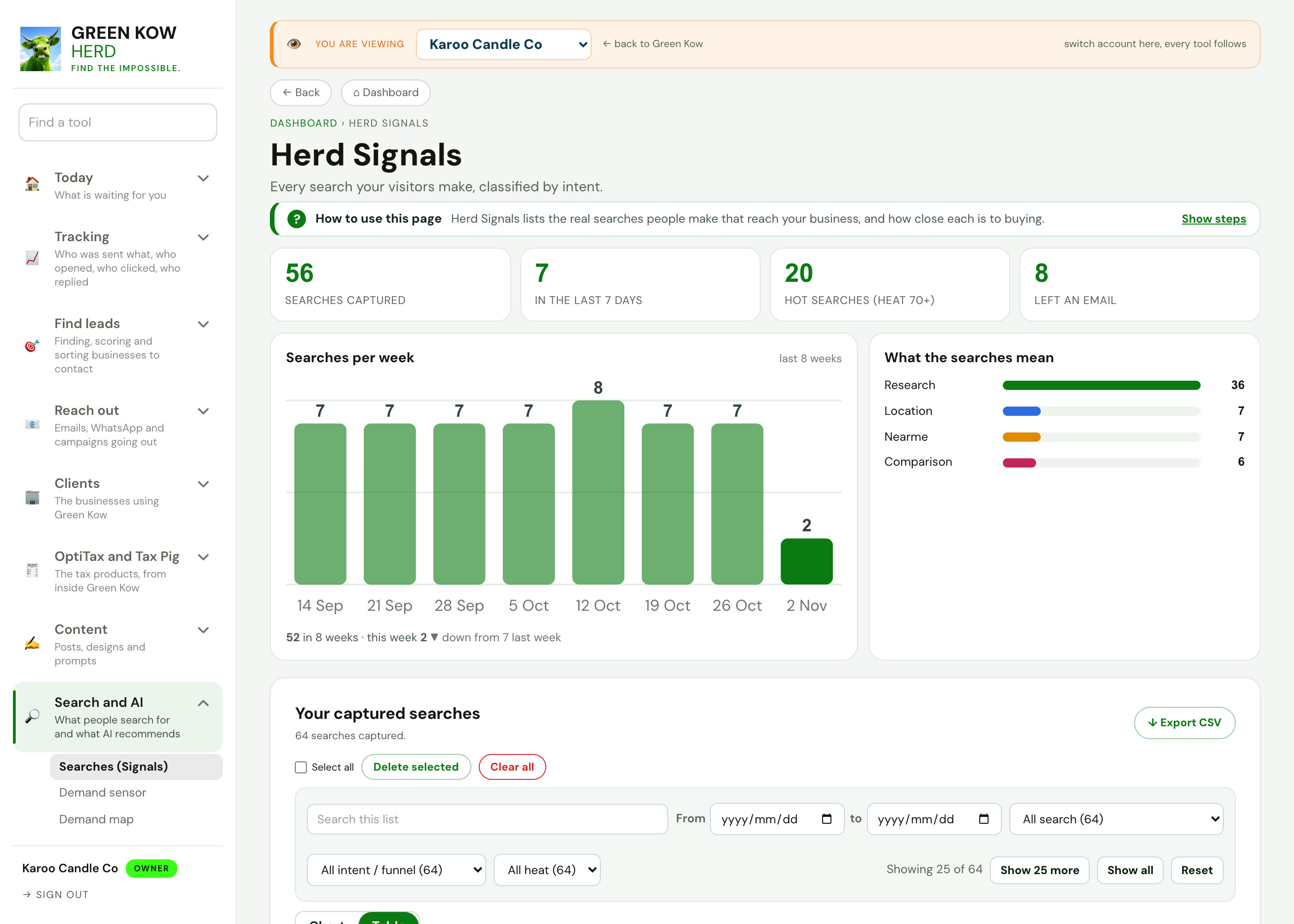
Search and AIWhat people search for and what AI recommends.
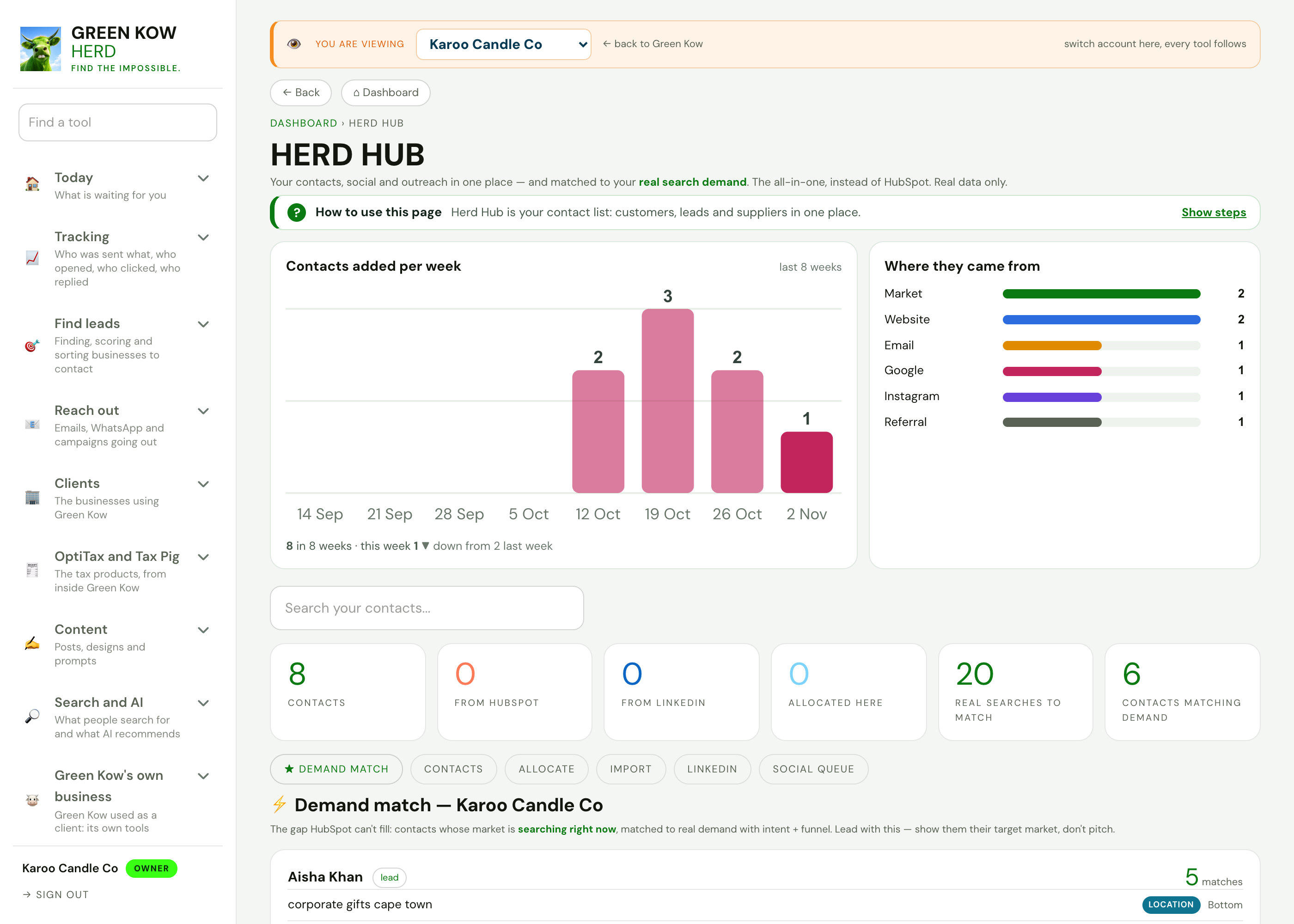
Run your businessContacts, invoices, bookings, reviews and cashflow.
Admin and settingsConnections, emails, plans and automations.
Reach the right people, politely.
Start free and send your first approved batch, or ask us on WhatsApp to set it up with you.