
The app: tracking
Tracking
Every email, link and visit in one place: who was sent what, who opened it, who clicked and who replied.
- Every brandOne view across all your lead emails.
- People, not scannersClicks count people, not security scanners.
- From first contactA live count at every step to customer.

What tracking shows
Each screen with what it shows, why it matters and what you do on it.
 Full size
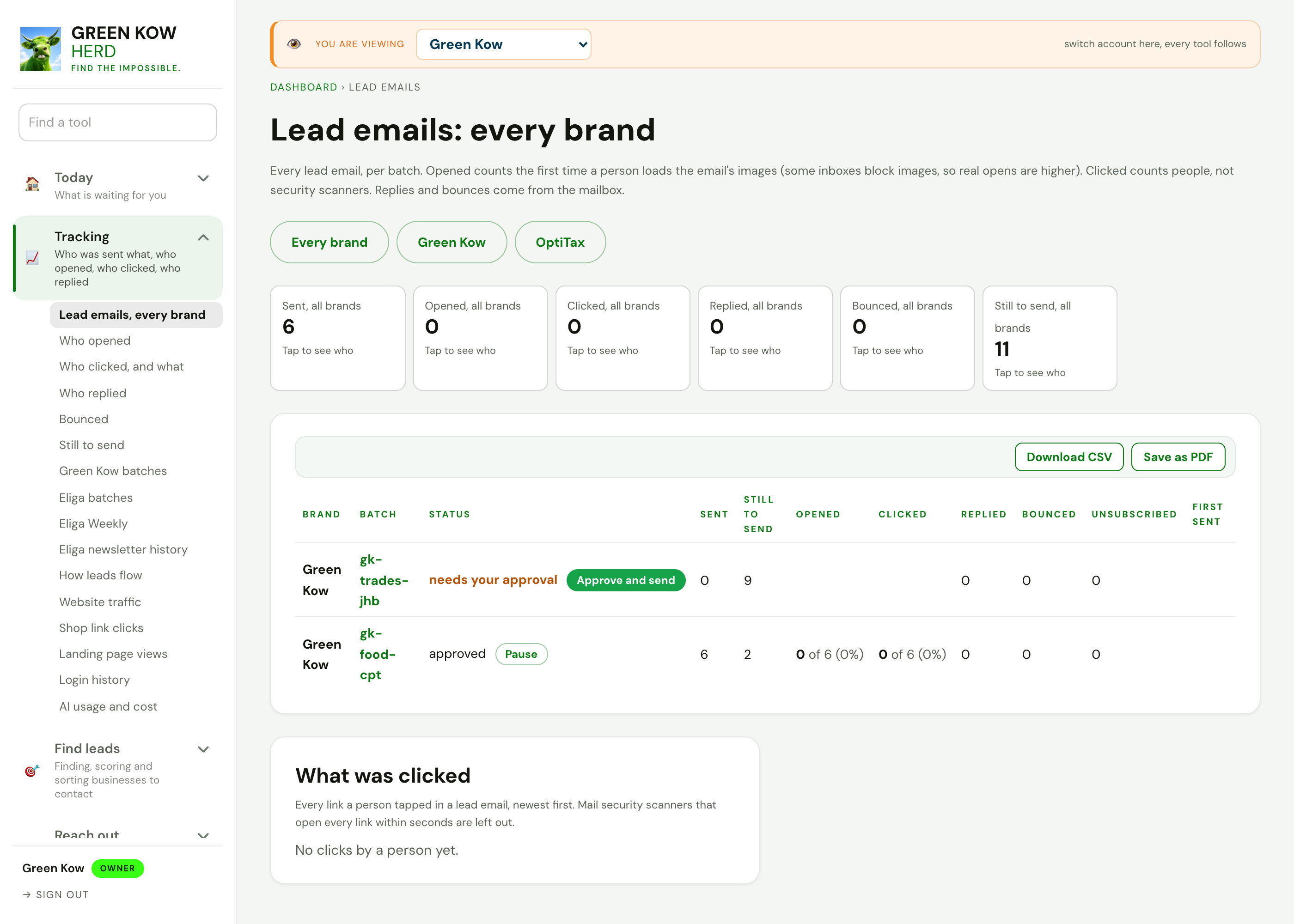
01Lead emails, every brand
- What you see
- Each batch of lead emails with sent, opened, clicked, replied, bounced and still to send.
- Why it helps
- You see which messages earn replies, so you send more of what works and stop what does not.
- What you do
- Approve a waiting batch, pause one, or download the list.
 Full size
02How leads flow
- What you see
- The path from new to enriched, scored, pitched, contacted, replied, booked and customer, with a live count at each step.
- Why it helps
- You see where leads get stuck, instead of only how many came in.
- What you do
- Tap a step to open the list of leads sitting there.
 Full size
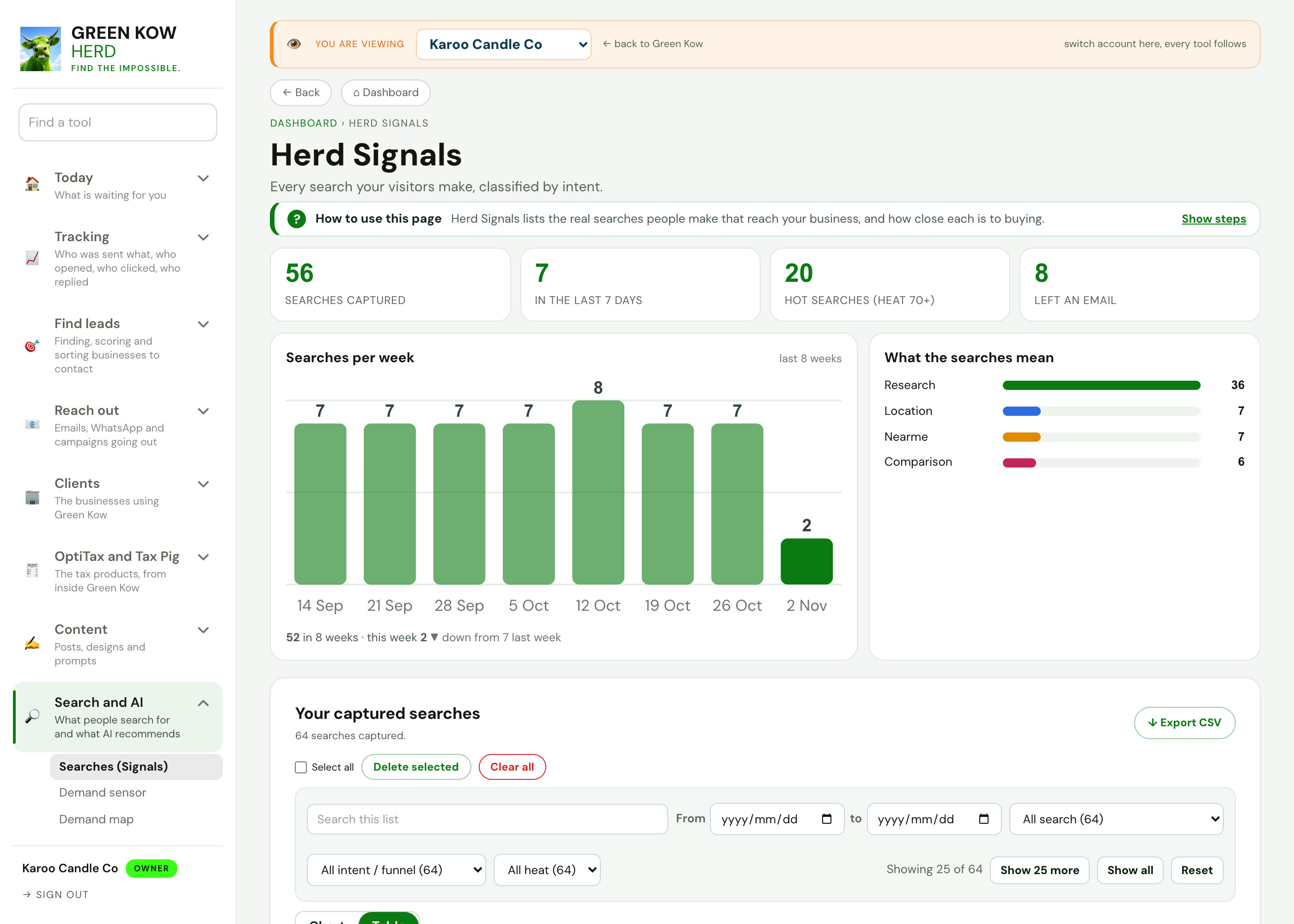
03Website traffic and searches
- What you see
- Searches made on the site per week, what they mean (research, location, near me) and the Google Analytics link.
- Why it helps
- Traffic only matters if you know what people came looking for.
- What you do
- Connect Google Analytics once, then check the week's searches.
Screens show made-up sample data (a demo business, Karoo Candle Co). No real client is shown. Tap any screen to open it full size.
Other parts of the app
Every area, one page each. See the full app tour →

Owner homeEvery job behind ten doors, with today first.

Search and discoveryFind businesses by what they do and where, quiet ones first.
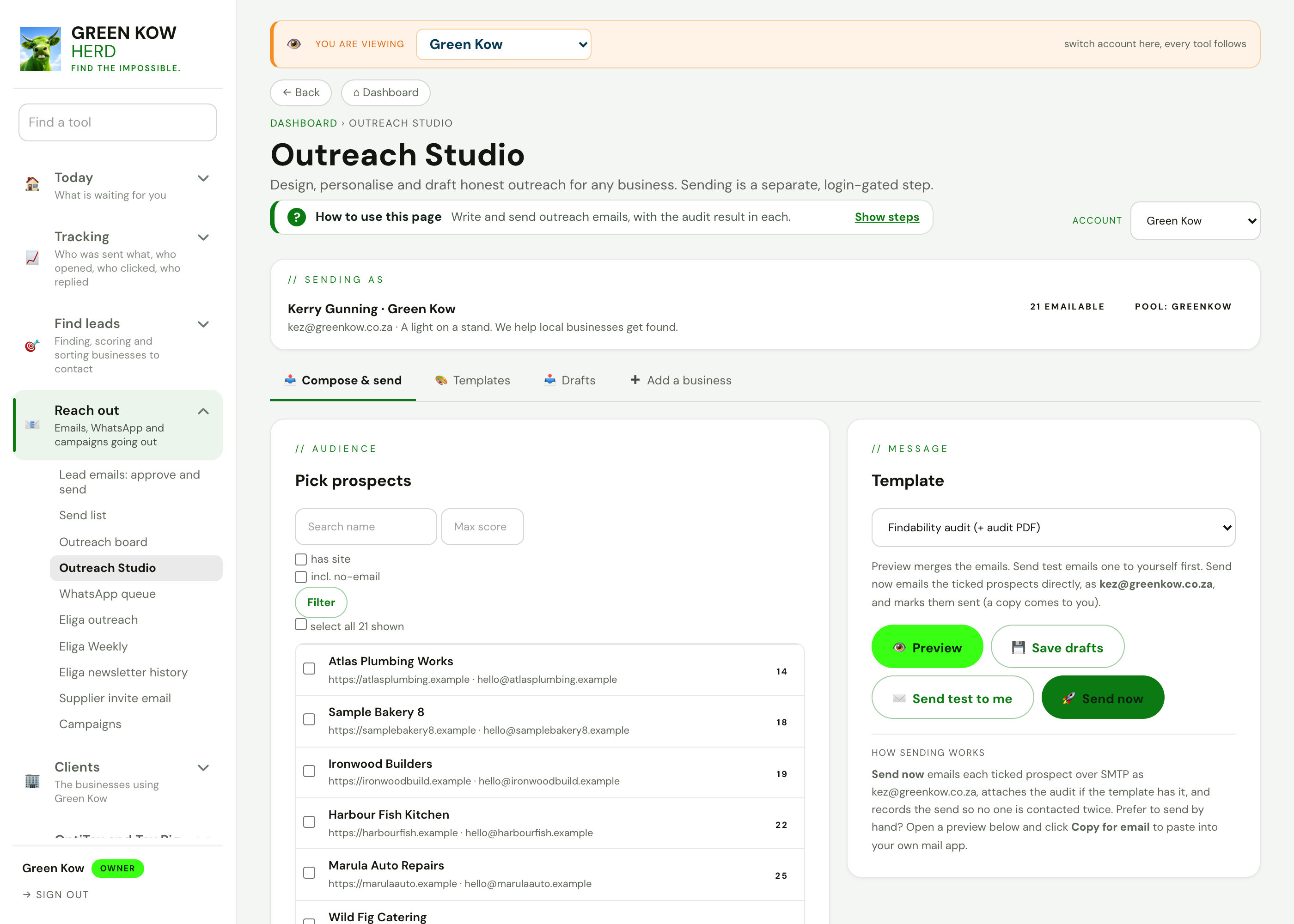
Reach outEmails, WhatsApp and campaigns going out.
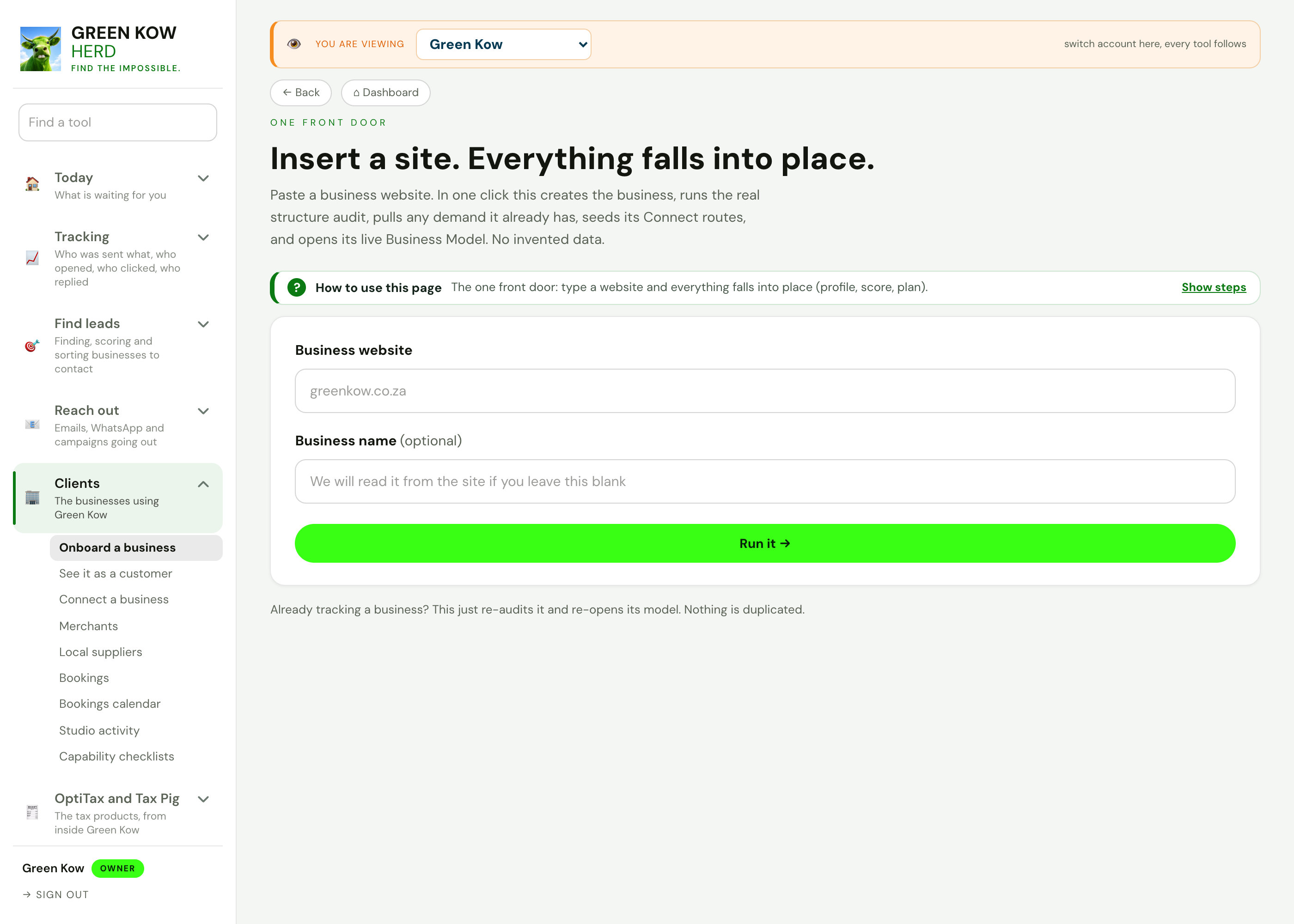
ClientsThe businesses using Green Kow, set up and looked after.
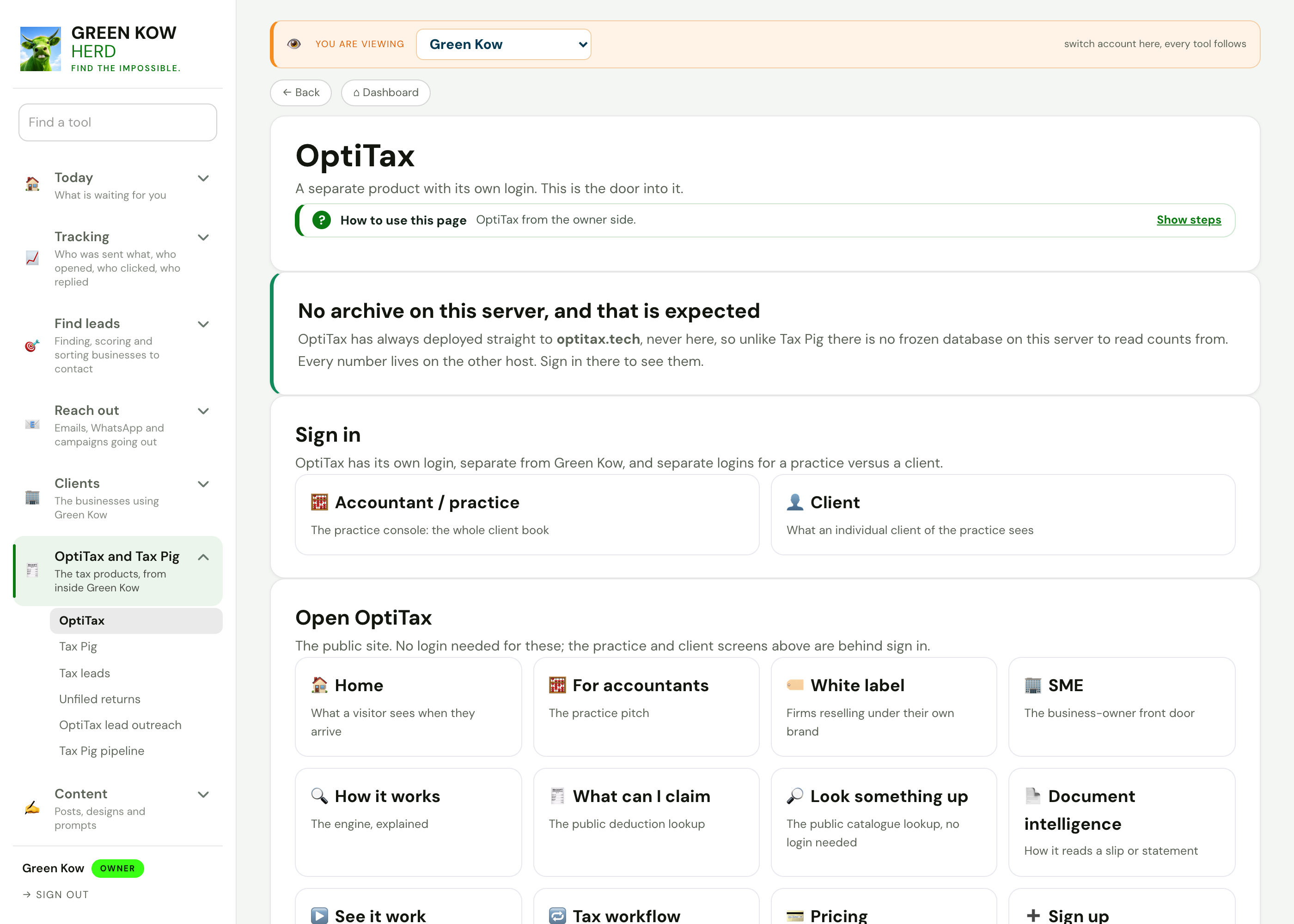
OptiTax and Tax PigThe tax products, from inside Green Kow.

Content hubThe week's posts, day by day, with every writing tool.
Search and AIWhat people search for and what AI recommends.
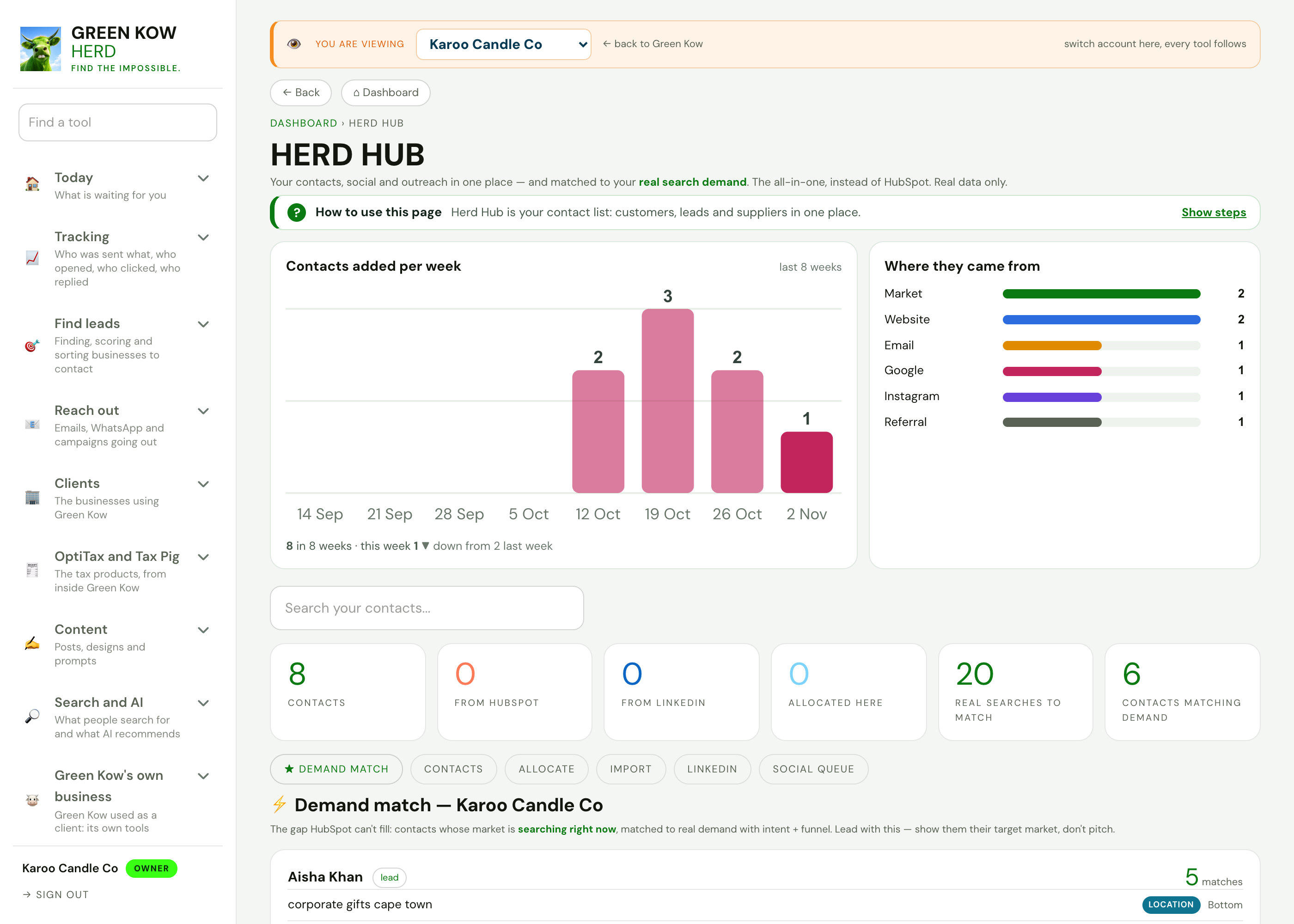
Run your businessContacts, invoices, bookings, reviews and cashflow.
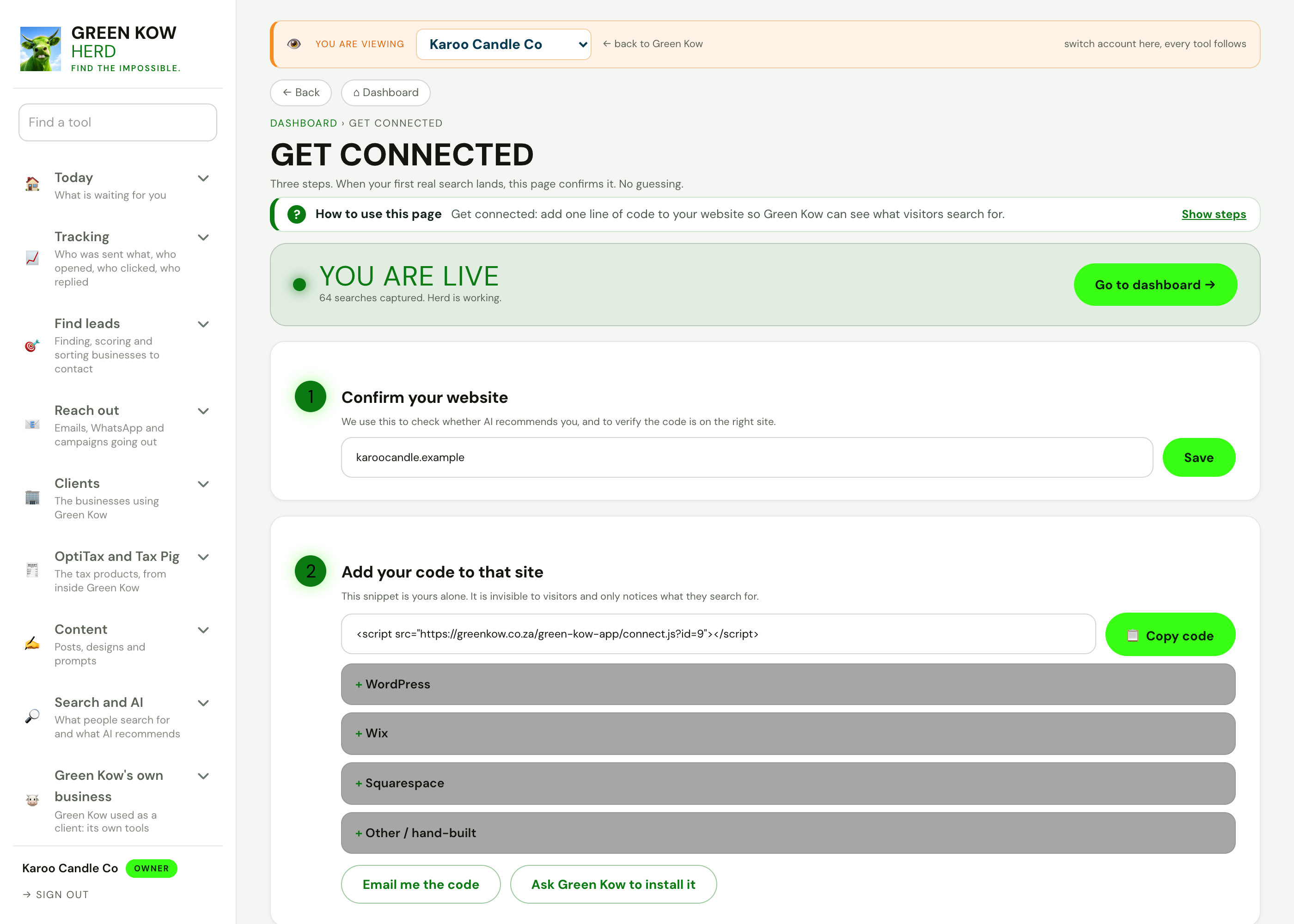
Admin and settingsConnections, emails, plans and automations.
Know what actually worked.
Start free and every email and link you send is tracked from day one. Or ask us on WhatsApp how it works.