
The app: clients
Clients
Set up a new business in one step, see every business on the platform, and look after their bookings and details.
- Onboard in one stepPaste a website and the profile is built.
- Every businessPlan, signals and leads per business.
- Bookings in one placeEvery booking across every business.
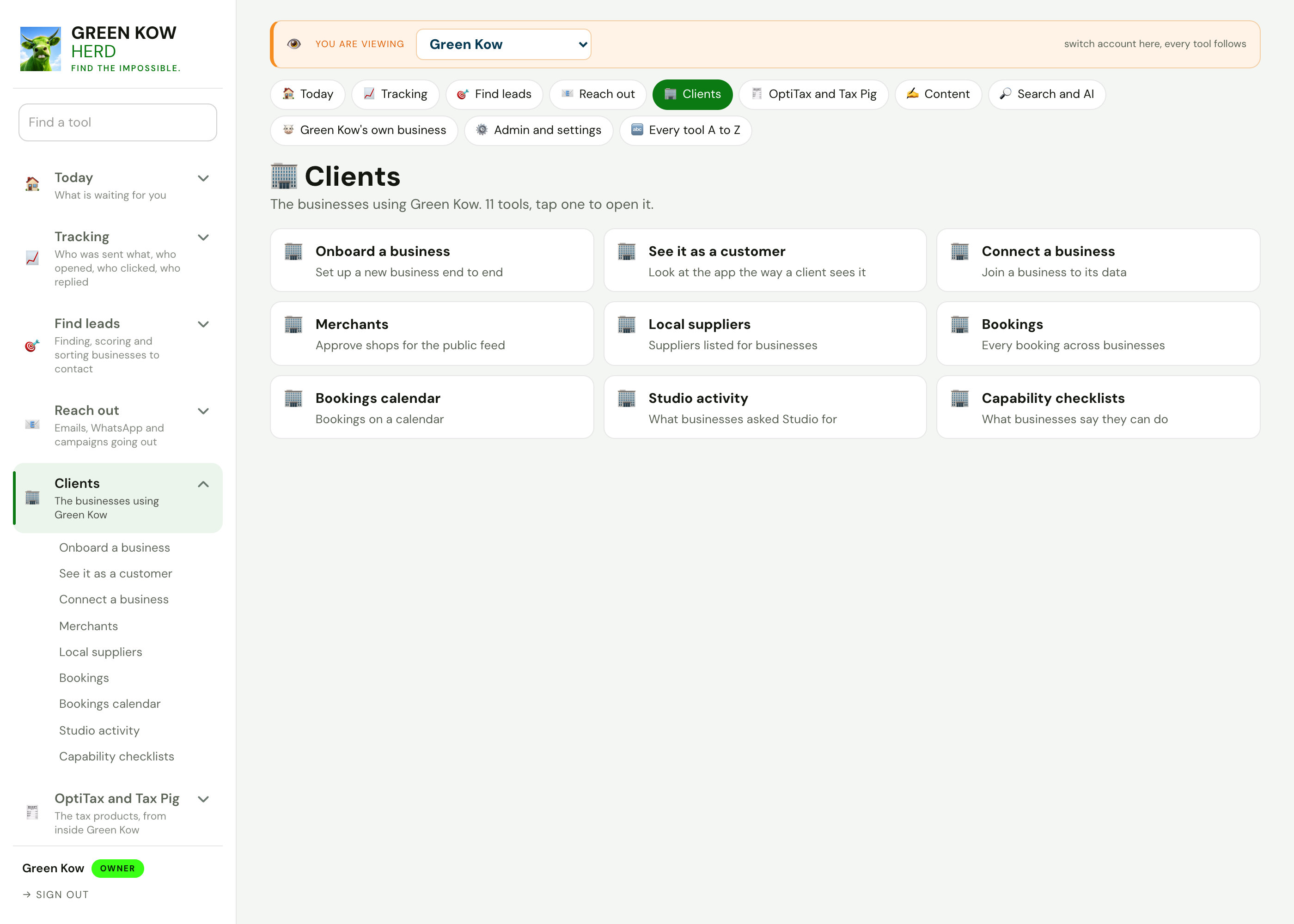
Looking after clients
Each screen with what it shows, why it matters and what you do on it.
 Full size
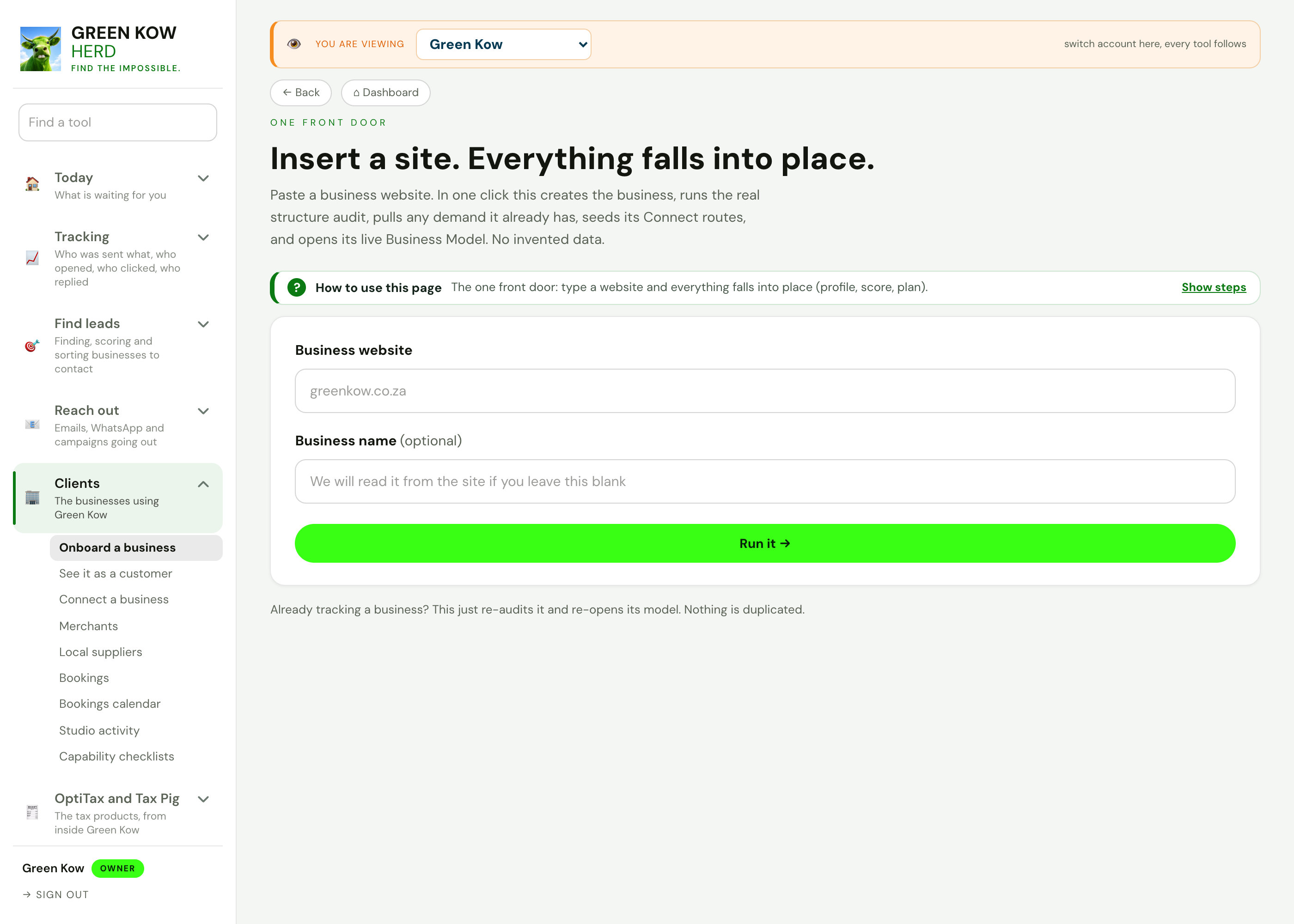
01Onboard a business
- What you see
- A website address and an optional name. One click creates the business, profiles the site and opens its business model.
- Why it helps
- A new client is working on day one, not after a week of setup.
- What you do
- Paste the website and run it.
 Full size
02Every business on the platform
- What you see
- Each business with its plan, signals, leads, site and a button to open its dashboard.
- Why it helps
- You see who is active and who needs attention without opening each account.
- What you do
- Search, change a plan, or open a business to see what they see.
 Full size
03Bookings
- What you see
- Each business's booking link and every booking made, with date, person, topic and status.
- Why it helps
- Calls and appointments are never lost in someone's inbox.
- What you do
- Copy a booking link, or filter bookings by date and download them.
 Full size
04Bookings calendar
- What you see
- The month's bookings across businesses on one calendar.
- Why it helps
- You see busy days and gaps at a glance.
- What you do
- Move month by month and open a day.
 Full size
05Capability checklists
- What you see
- A checklist sent to a business to confirm what it can do, and the answers that came back.
- Why it helps
- A business is only matched to searches it can really answer.
- What you do
- Pick a business, build the list from its demand and send it.
Screens show made-up sample data (a demo business, Karoo Candle Co). No real client is shown. Tap any screen to open it full size.
Other parts of the app
Every area, one page each. See the full app tour →

Owner homeEvery job behind ten doors, with today first.
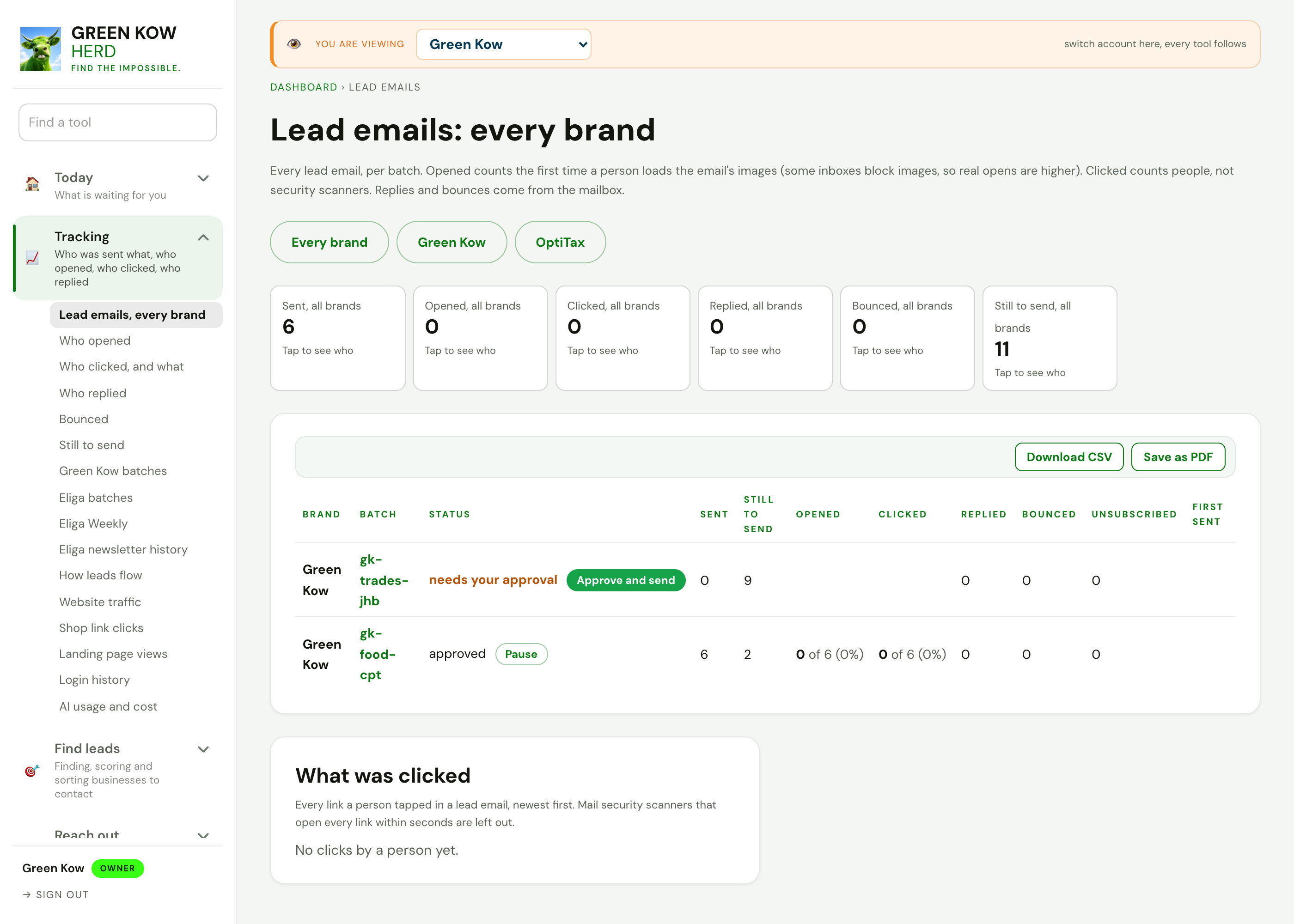
TrackingWho was sent what, who opened, clicked and replied.

Search and discoveryFind businesses by what they do and where, quiet ones first.
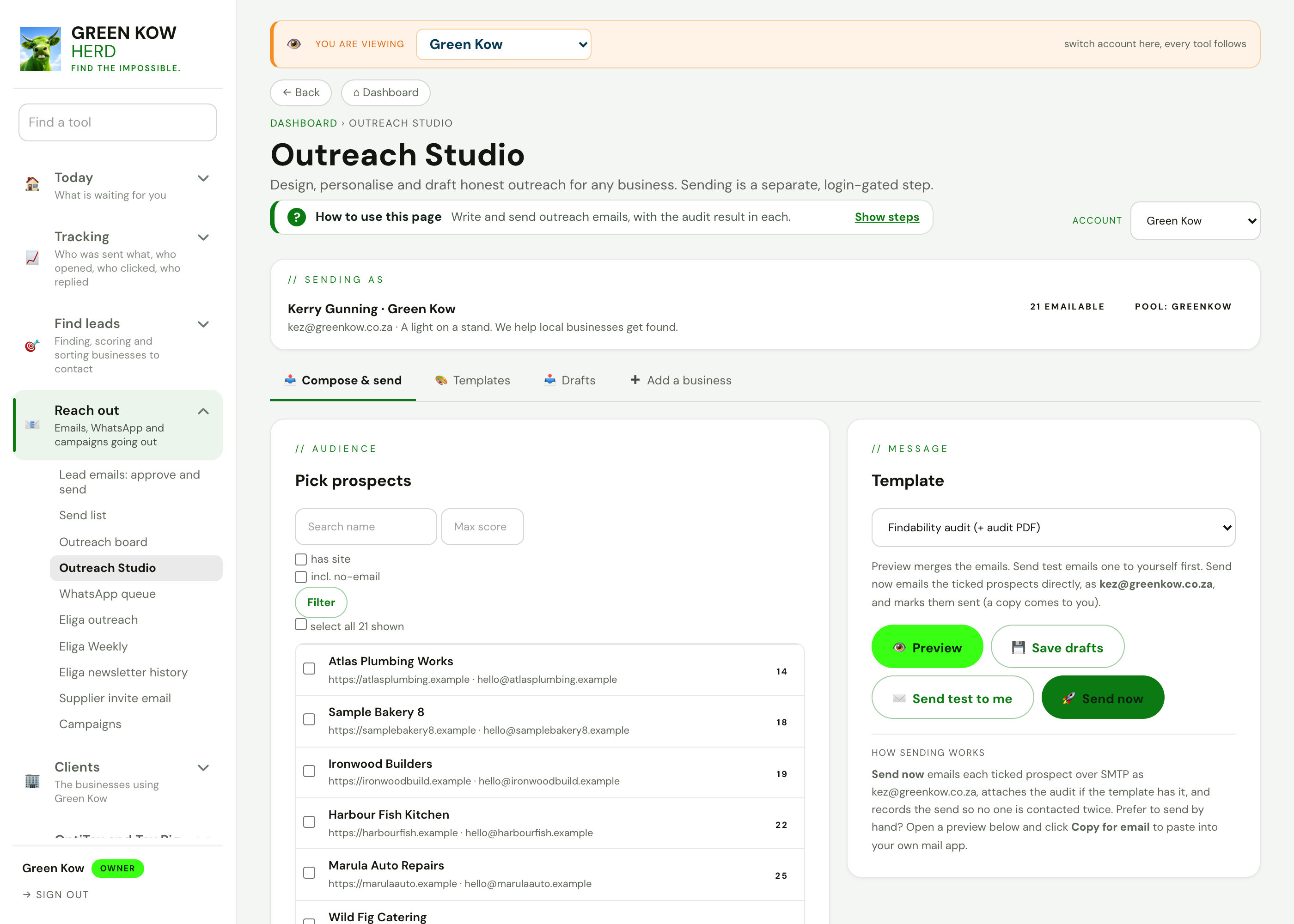
Reach outEmails, WhatsApp and campaigns going out.
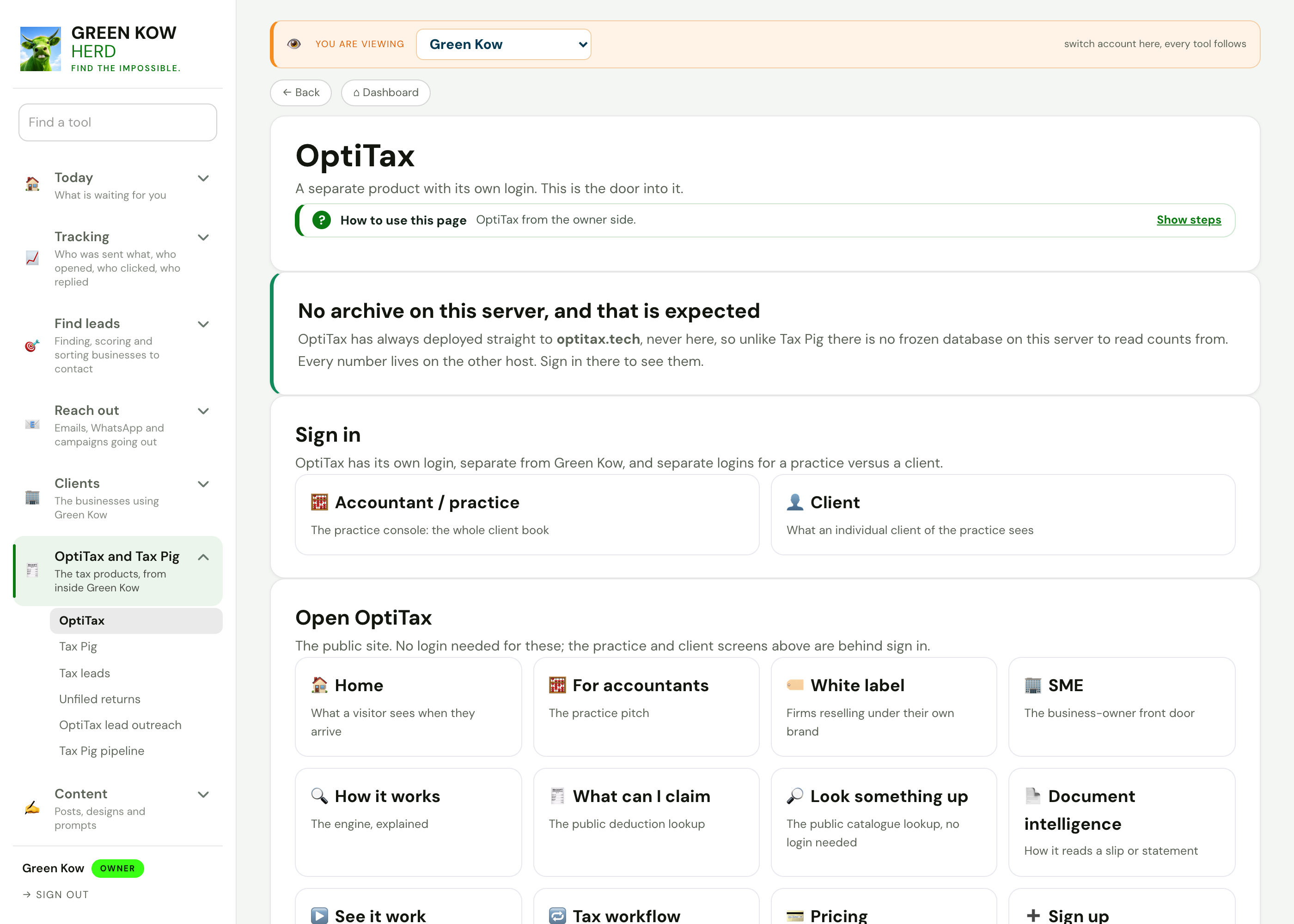
OptiTax and Tax PigThe tax products, from inside Green Kow.

Content hubThe week's posts, day by day, with every writing tool.
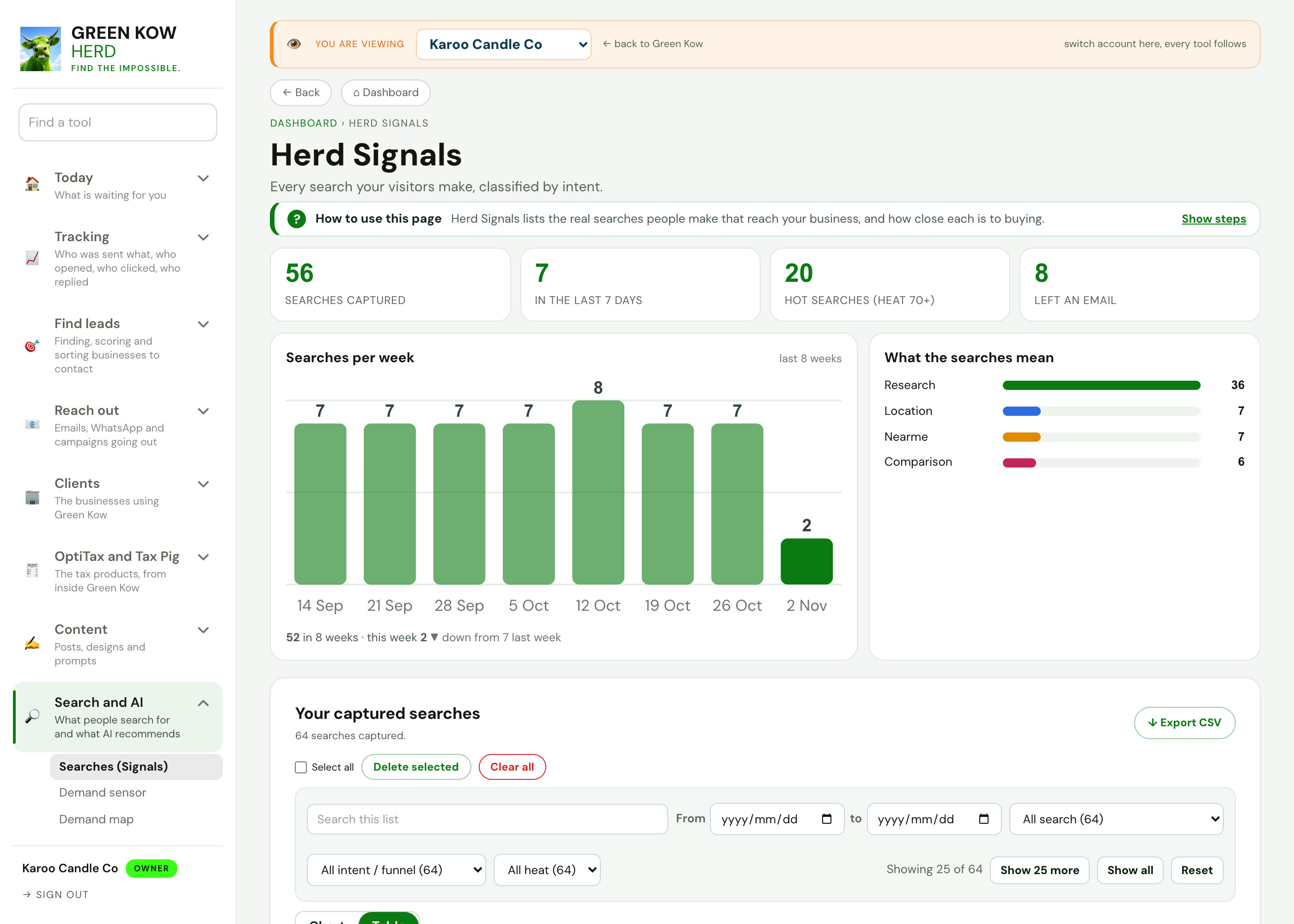
Search and AIWhat people search for and what AI recommends.
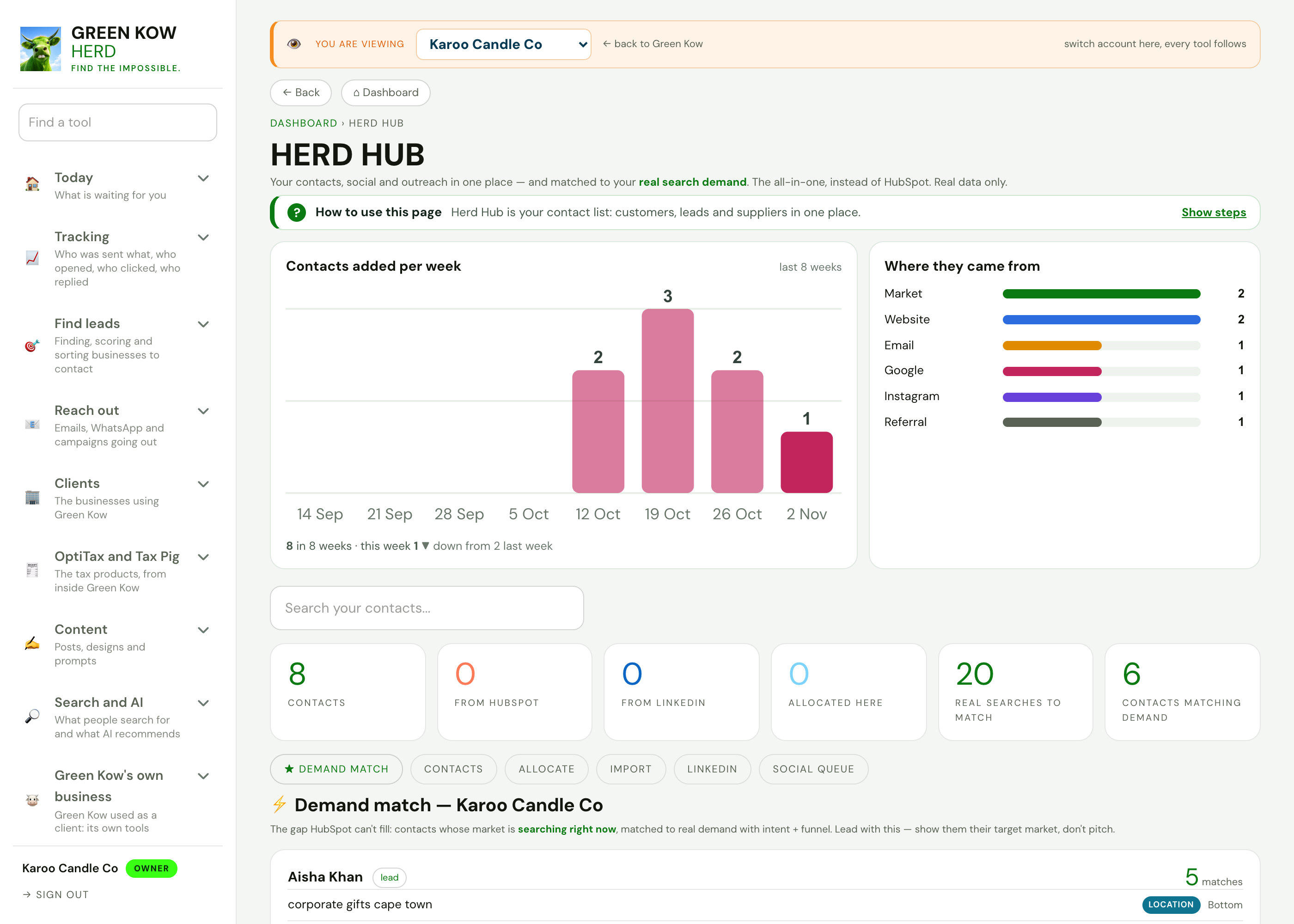
Run your businessContacts, invoices, bookings, reviews and cashflow.
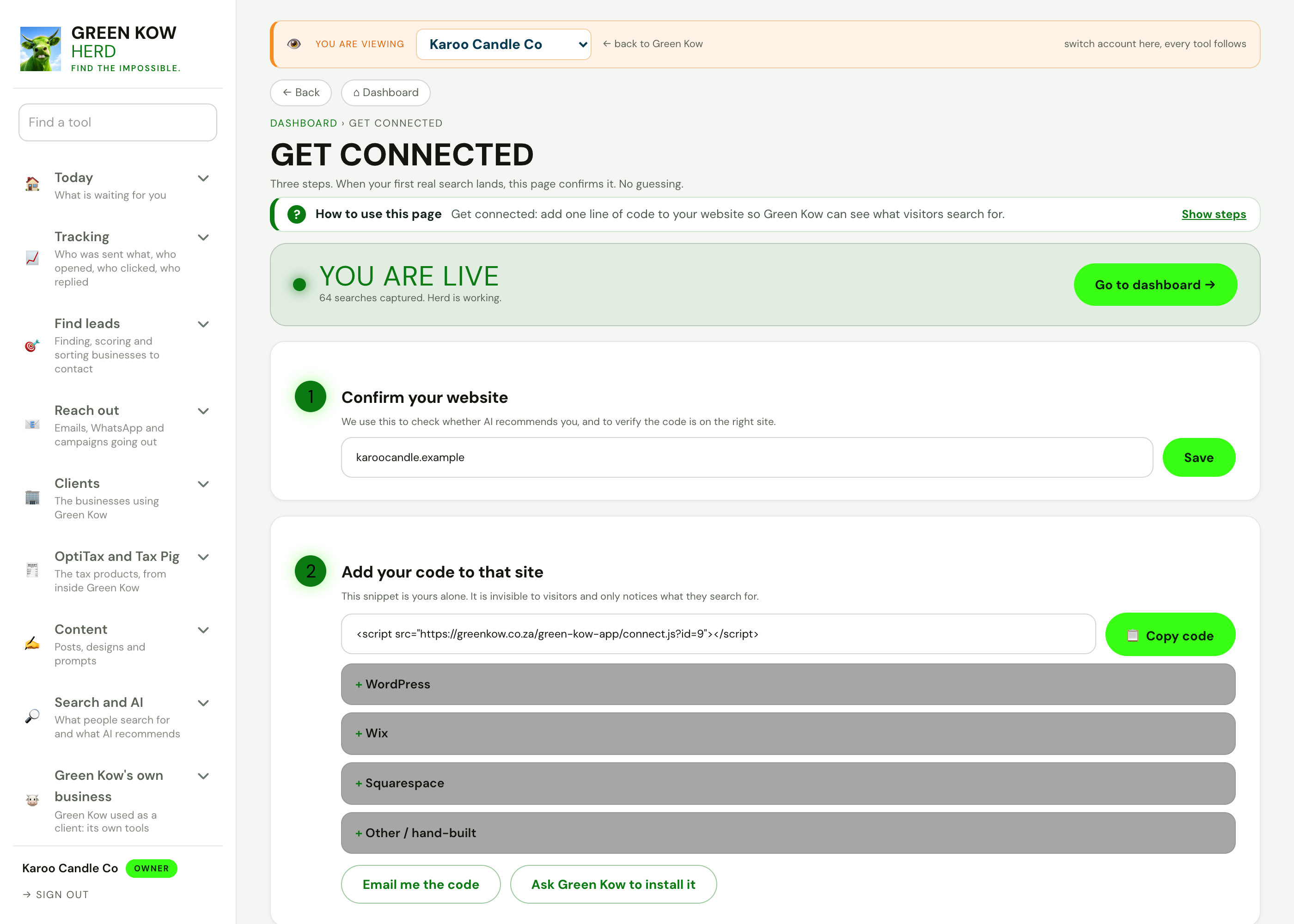
Admin and settingsConnections, emails, plans and automations.
Look after every client in one place.
Ask us on WhatsApp to see the client tools on your own business.